
SAP ERP
SAP ERP SAP - System Applications and Products in Data-Processing ERP - Enterprise Resource Planning [Download Free Outline] Introductio...


Enrolled
147
Investment
40,000
Course Overview
Everything you need to know about this comprehensive Meta marketing course
SAP ERP
SAP - System Applications and Products in Data-Processing
ERP - Enterprise Resource Planning
[Download Free Outline]
Introduction
SAP is a market leader in providing ERP solutions and services. SAP ERP is an enterprise resource planning software which incorporates the key business functions of an organization. The ERP systems enable its customers to run the operations such as financials, human capital management, production, business processes and corporate services.
Why is it important to learn SAP?
This helps large businesses assign their processes and support each segment of their business, from sales to financial accounting. SAP is one of the number one provider of business software solutions towards improved work and data management in organizations across industries. However, companies adopted SAP towards achieving organizational goals and today SAP is the leader in enterprise applications. Professionals can become SAP Network Specialists and can join many other fields relating to SAP which is a great opportunity for them.
SAP implementation is a very complex process which requires competent and adequate knowledge and training on the subject to attain the maximum opportunities and benefits. SAP builds strong and secure technical support for the organization.
SAP's functional modules include:
- Human Capital Management (HCM)
- Production Planning (PP)
- Materials Management (MM)
- Project System (PS)
- Sales and Distribution (SD)
- Plant Maintenance (PM)
- Financial Accounting (FI)
- Quality Management (QM)
- Controlling (CO)
Functions of ERP
An ERP system performs the functions listed below −
- Inside the organization, it supports the integrated business process.
- It helps in executing organizational plans and strategies and Improves capital planning.
- By analyzing the accurate data, it helps speed up the decision-making process.
- Extend the business network to wider domains
- Provides protection against organizational data breaches and security threats to leakage of information.
SAP Certification Exams
This is offered in three levels:
- Associate
- Associate Advanced
- Professional
Course Outline
Passing SAP certification boosts confidence, establishes expertise, and earns client trust. It takes less time than you think. The following curriculum will help you achieve a base understanding of the exams.
Part (A) - FI
Introduction
- What Is SAP Business One?
- Introduction to SAP
Enterprise Structure
- Defining company
- Configuring company code
- Defining business area
- Maintaining consolidation business area
- Defining credit control area
- Assigning company code to company
- Assigning company code to credit control area
- Assigning business area to consolidation business area
Financial Accounting Global Settings
- Maintaining Fiscal Year Variant
- Assigning Fiscal Year Variant to Company Code
- Defining Posting Periods
- Defining Open and Close Posting Periods
- Assigning Variant to Company Code
- Document Types
- Defining Document Number Ranges
- Defining Posting Keys
- Defining Field Status Variant
- Assigning Field Status Variant to Company Code
- Defining Tolerance Groups for Employees
General Ledger Accounting
- Defining Chart of Accounts
- Assigning Chart of Accounts to Company Code
- Defining Account Groups
- Defining Retained Earnings Account
- Creating GL Accounts
- Postings
- Parking the Document
- Reversal Entries
- Recurring Document
Accounts Receivable
- Creating Customer Groups
- Creating Number Ranges
- Assigning Number Ranges to Customer Groups
- Creating Main Ledger
- Creating Sales Account
- Creating Customer
- Raising Sales Invoice
- Incoming Payments
- Credit Memo
- Dunning
Accounts Payable
- Creating Vendor Groups
- Creating Vendor Ranges
- Creating Ranges to Vendor Groups
- Creating Vendor
- Raising Vendor Invoice
- Outgoing Payments
- Debit memo
Bank Accounts
- Creating House Bank
- Configuring Petty Cash Journal
- Configuring Automatic Payment to Vendors
- Creating Check Lots
- Configuring Bank Statement
Asset Accounting
- Copying Chart of Depreciation
- Assigning Chart of Depreciation to Company Code
- Assigning Input Tax and Output Tax Indicators
- Specify Account Determination
- Create Screen Layout Rules
- Creating Asset Classes
- Creating Depreciation Key
- Creating an Asset
- Acquisition of an Asset
- Running depreciation
- Sale of an Asset
- Transfer of an Asset
- Scraping of an Asset
New GL Accounts
- Configuring New G/L
- Configuring Multiple Ledger
- Document Splitting
- Configuring Leading and Non-Leading Ledger
Financial Statement Versions
- Configuring Trading and P&L & Balance Sheet
Closing Down Procedures & Integration
- Integration with FI & MM
- Integration with FI & SD
- Integration with FI & HR
Part (B) - CO
General Controlling
- Maintaining Control Area Settings
- Maintaining Number Ranges for Controlling Documents
- Maintain Versions
- Defining Active Modules
Cost Element Accounting
- Creating Various Types of Cost Elements
- Creating Primary Cost Element
- Creating Secondary Cost Element
- Cost Center Accounting
- Creating Cost Center Hierarchy
- Creating Cost Center
- Creating Activity Types
- Creating Statistical Key Figures
- Creating Report Painter
- Planning for Secondary Cost Elements
- Reports of Cost Centers
Internal Orders
www.ict-trainings.com/curriculum/sap-ecc-leaflet.pdf
-
- Configuring Internal Orders
- Planning for Internal Orders
- Reports of Internal Orders
- Profit Center Accounting
- Creating Profit Center
- Creating Dummy Profit Center
- Creating Profit Center Hierarchy
- Assigning Profit Center to Cost Center
-
What you will learn
- ✔ Develop a strong understanding of core concepts and best practices
- ✔ Apply theoretical knowledge to real-world projects
- ✔ Build practical skills through hands-on exercises
- ✔ Improve problem-solving and critical-thinking abilities
- ✔ Learn to plan, execute, and optimize projects effectively
- ✔ Communicate ideas and strategies clearly and professionally
- ✔ Use industry-standard tools and techniques confidently
- ✔ Manage time and resources efficiently to meet deadlines
- ✔ Work collaboratively and adapt to team environments
- ✔ Analyze performance and implement data-driven improvements
- ✔ Gain confidence to apply your learning in a professional setting
- ✔ Prepare for advanced learning or career opportunities in the field
Reviews
No reviews yet. Be the first to review this course!
You must be logged in to submit a review.
Login to ReviewBook Online
Frequently Asked Questions
Find quick solutions to common queries and get the most out of your learning experience
View More QuestionsRelated Courses
Courses that help building your career
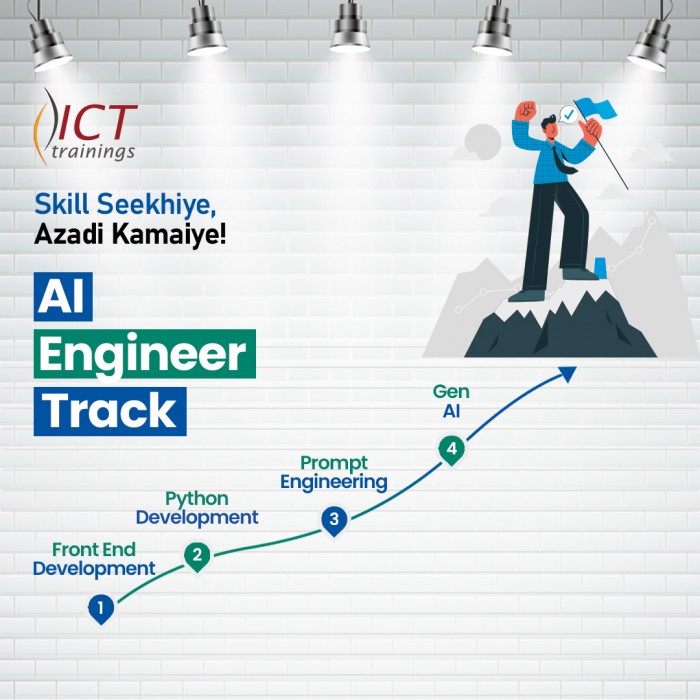
Generative AIs
Generative AI This is career-oriented training for you, after completion ...
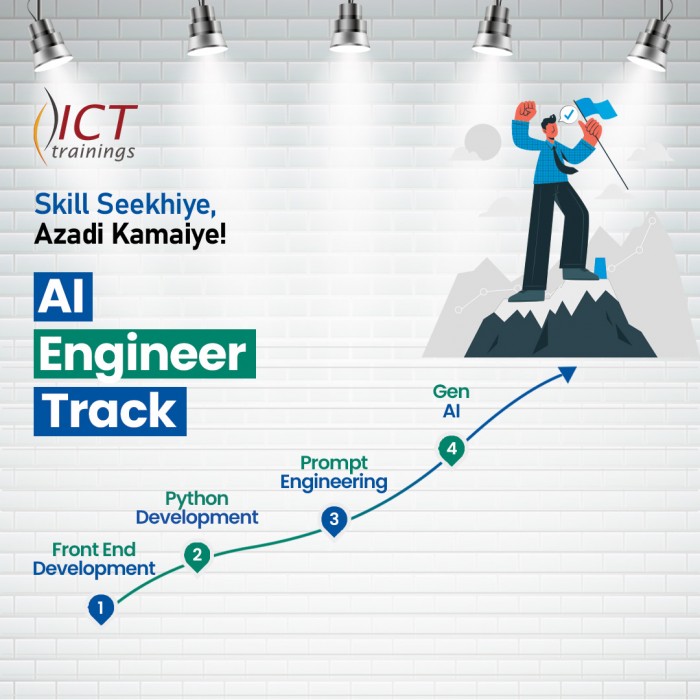
Prompt Engineering
Prompt Engineering Duration: 4 Weeks Level: Beginner → Intermediate Fo...
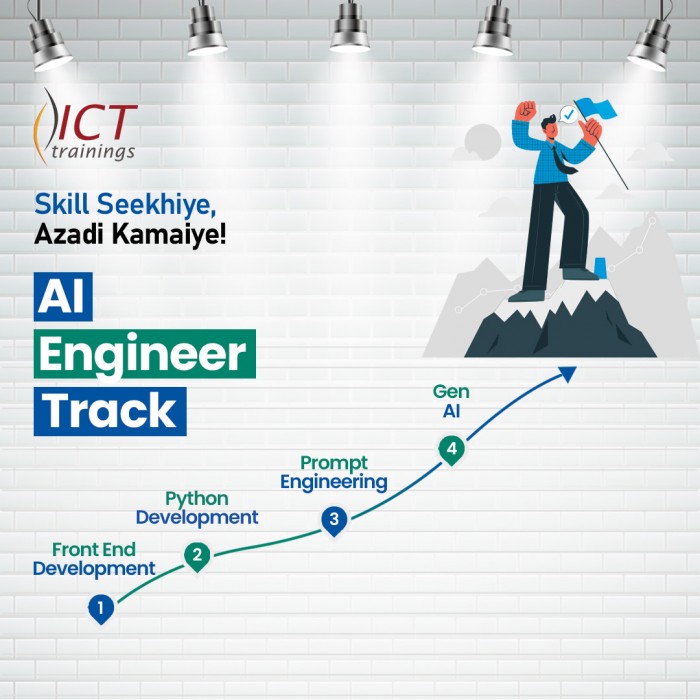
AI Engineer track
AI Engineer Track It's a complete roadmap for anyone who want to start earning...

Build Android Apps with AI
Getting Started with Android App Development Introduction to Android apps and Androi...
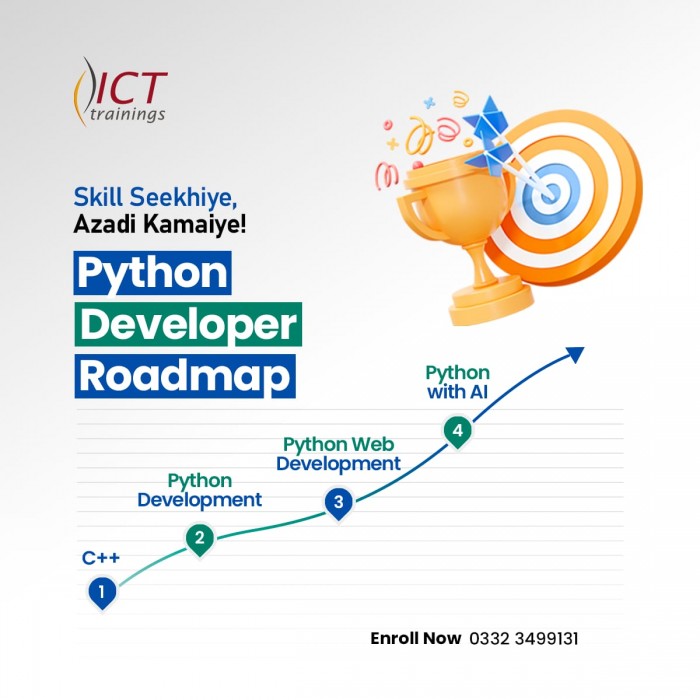
Python Developer Track
Python Developer Track It's a complete roadmap for anyone who want to sta...

Digital Marketer Track
Digital Marketer Track It's a complete roadmap for anyone who want to start ea...