
WordPress
Learn Wordpress Course For the ease of people, it’s totally free to download and use. Introduction Wordpress is known worldwide for web...


Enrolled
1204
Investment
18,000
Course Overview
Everything you need to know about this comprehensive Meta marketing course
Learn Wordpress Course
For the ease of people, it’s totally free to download and use.
Introduction
Wordpress is known worldwide for website building. WordPress is a free and open-source content management system(CMS) predicated on PHP and MySQL, which means that it can be modified by anyone at any time. Moreover, it has withal been utilized for other application domains such as pervasive display system and is the most popular website management system in utilization.
What is CMS (content management system)?
A content management system (CMS) manages the formation and modification of digital content. It typically fortifies multiple users in a collaborative environment. CMS software offers a potent and integrated solution to manage and monitor systematically; each CMS server can manage up to 16 contrivances simultaneously. CMS software is excellent for every security demand.
Why you should learn Wordpress?
Wordpress helps you to study its code and write their own apps (plugins) and templates (themes) for it. Wordpress is free as in freedom and it’s easy to customize with themes and plugins. Moreover, it’s SEO friendly and easy to manage. Additionally, it can handle different media types.
Skills you will gain by attending Wordpress full course
- Designing a website effectively.
- Implementing templates.
- Setting-up plugins and widgets.
- Configuring sliders and menus.
- Uploading, optimizing and managing website
Wordpress Course Outline
Our WordPress training course has been designed to give you complete coverage of the tool, so you can work effectively fast. We take you from the basics to a practical level, developing your skills and getting you to use them straight away. If you can create a word document you can use Wordpress.
1. Web Core
- Networking
- Internet
- Domain
- Hosting
- Website & its types; Dynamic & Static
- Blogs, Web, CMS, MicroBlogging, Social Community,Application
Introduction to web accessories
- cPanel
- FTP Softwares
- Color Picker
- Pixel Ruler
2. WordPress Introduction
- What is WordPress?
- How can WordPress help me?
- How much does WordPress cost?
- How/where do I get WordPress?
WordPress Installation
Preparation
- Reserving a domain name
- Choosing web hosting
Installation on Server
- Installing WordPress from scratch
- Creating & Connecting Database
- Changing your password
Installation on Local Host
- Downloading & Installing XAMPP
- Understanding the folders
- Creating & Connecting DB
3. Getting Started
Overview of the Homepage
- Posts
- Pages
- Sidebar
- Search
First Face of Dashboard
A blog would be made, in default theme.
4. What is the post?
- Your first post basics
- Post; Details
- Working with photos
- Working with videos
- Categories & slugs
5. What is a page?
- Difference between post & page
- Your first page
- Pages; Details
- Working with photos/videos
6. Media
7. Links
8. Comments
9. Themes
- What is the theme?
- Folder Strategy
- Finding a great theme
- Theme directories
- Paid themes
- Installing a theme, ways & techniques
10. Plugins
- What are plugins?
- Folder & File Strategy
- Finding plugins
- Plugin directory
- Plugin search
- Installing plugins – ways & techniques
11. Widgets
- What is a sidebar?
- What are sidebar widgets?
- Choosing and installing sidebar widgets
- Adding links
- Adding text and images
- Header; how to make a beautiful header?
- Using theme features
- Using Static images
- GIF files
13. Footer; How to maintain Footer?
- Using widgets
- Static & gif images
14. Working with sliders
- Working with Theme options
- Using plugins
- Dynamicity & possibilities
15. Menus
- Menus default options
- Theme default options
- Arranging multiple menus
16. Users
- Add/edit users
- User roles
- How to delete users
- What if user is mistakenly deleted
17. Tools
18. Settings
- General
- Writing
- Reading
- Discussion
- Media
- Privacy
- Permalinks
- Flickr RSS
Changing & working with a new theme, this too would be a blog.
19. Themes; Advance Lecture
- Finding a great related theme
- Theme Options
- Troubleshooting with theme options & wp default options
- Artisteer; download, usage, tips & tricks
20. Plugins
Plugins; Advance Lectures
- Choosing a plugin
- Do,s and don’t,s
- Recommended plugin list for:
- Photo galleries
- SEO
- Contact and other Forms
- Web Statistics
- Anti Spam
- Social Networking
- WP Super Cache
- All in one SEO
- Google Sitemaps XML
- Search Everything
- WP-DB Manager
- WP Touch
- The mobile pack plugin
- Rank Tracker
Working with Advance Plugins
- Forms; reading and customizing a contact form
- Anti Spam; Preventing Spam in your comments
- Social Networking; Hooking in Twitter and Facebook
- Search Engine Optimization (SEO); Making your site more “Google Friendly”
- Urdu Plugins
- Islamic Plugins & Gadgets
- Ecommerce plugins/themes overview
- Video advance plugins
21. WP in operation theater
- Inspect Element
- Location of files
- Customizing website as required
A new website would be made using a premium theme
WordPress Expert Level
22. Understanding the exact needs of the website
- Business/organization/product info
- Vision & expectations from website
- Estimated budget/time
23. Posts
- Backing up & restoration
- Bulk post creation/deletion
24. Migrating WP
- From localhost to a server (all possible scenarios)
- Using advance plugins
- Auto installation of WP on server
25. Managing Users
- Understanding user management
- User Role management
- Plugins used for managing users
26. How to adapt & grow the site
- Custom Post Types
- Custom Taxonomies
- Parent-child themes
27. WordPress Upgrades
- How to upgrade WordPress
- Advanced Tips & Tricks
- Generating RSS & Atom Feeds
- Troubleshooting & finding support on the internet
What you will learn
- ✔ Develop a strong understanding of core concepts and best practices
- ✔ Apply theoretical knowledge to real-world projects
- ✔ Build practical skills through hands-on exercises
- ✔ Improve problem-solving and critical-thinking abilities
- ✔ Learn to plan, execute, and optimize projects effectively
- ✔ Communicate ideas and strategies clearly and professionally
- ✔ Use industry-standard tools and techniques confidently
- ✔ Manage time and resources efficiently to meet deadlines
- ✔ Work collaboratively and adapt to team environments
- ✔ Analyze performance and implement data-driven improvements
- ✔ Gain confidence to apply your learning in a professional setting
- ✔ Prepare for advanced learning or career opportunities in the field
Reviews
No reviews yet. Be the first to review this course!
You must be logged in to submit a review.
Login to ReviewBook Online
Frequently Asked Questions
Find quick solutions to common queries and get the most out of your learning experience
View More QuestionsRelated Courses
Courses that help building your career
Generative AIs
Generative AI This is career-oriented training for you, after completion ...
Prompt Engineering
Prompt Engineering Duration: 4 Weeks Level: Beginner → Intermediate Fo...
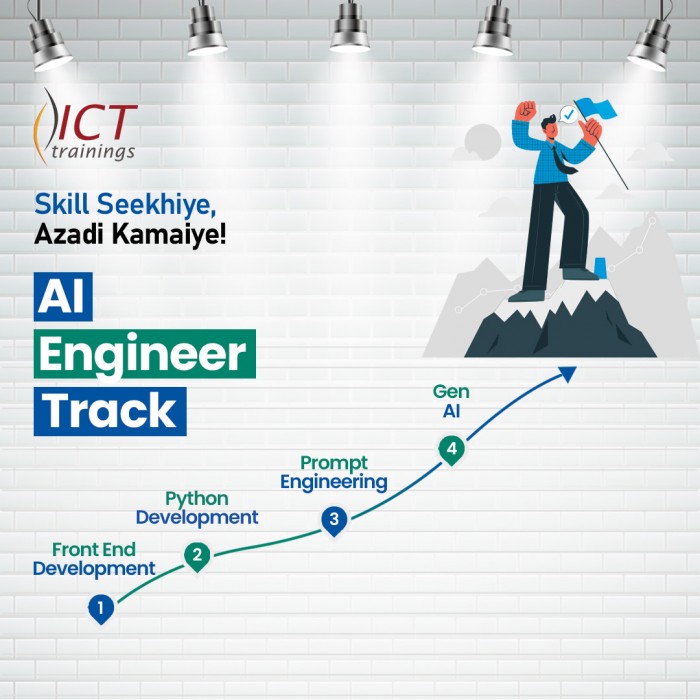
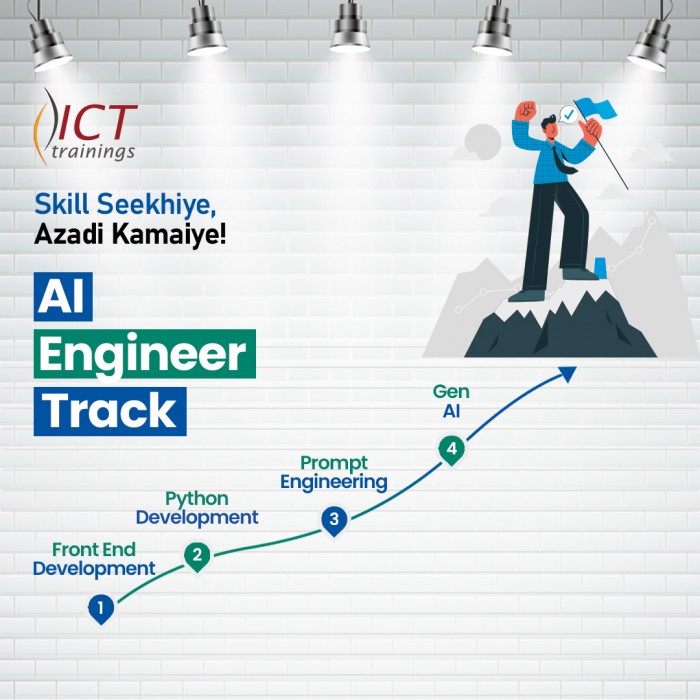
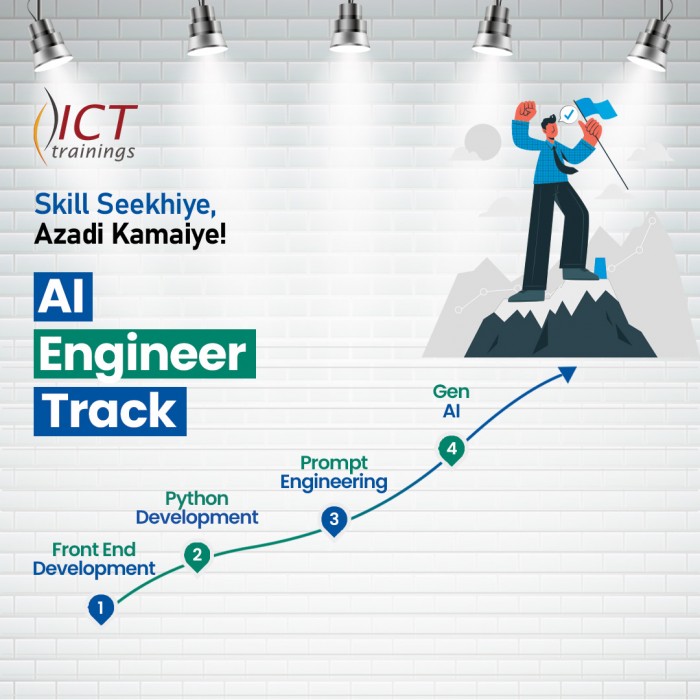
AI Engineer track
AI Engineer Track It's a complete roadmap for anyone who want to start earning...
Build Android Apps with AI
Getting Started with Android App Development Introduction to Android apps and Androi...
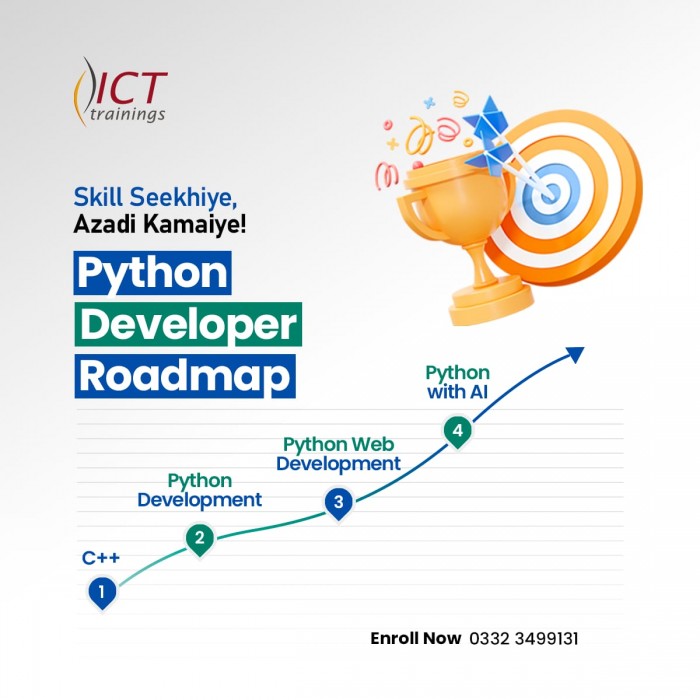
Python Developer Track
Python Developer Track It's a complete roadmap for anyone who want to sta...
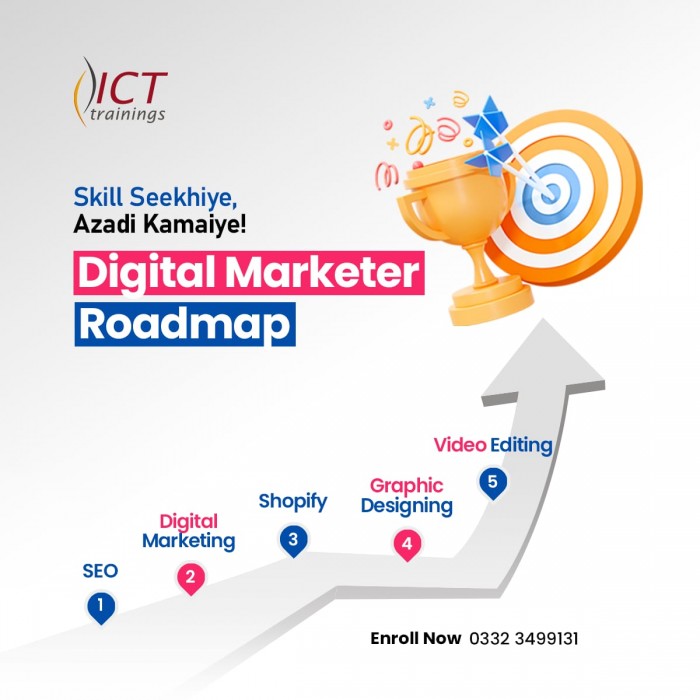
Digital Marketer Track
Digital Marketer Track It's a complete roadmap for anyone who want to start ea...