
Freelancing Graphics
Graphics Designing Training for Freelancing Course Content Intro to Photoshop Explain Photoshop Interface & UI, Adjust w...

Enrolled
1021
Investment
9,995
Course Overview
Everything you need to know about this comprehensive Meta marketing course
Graphics Designing Training for Freelancing
Course Content
| Intro to Photoshop Explain Photoshop Interface & UI, Adjust working UI |
||||
| Explain Navigation, How to Use Zoom tool & it's features How Hand tool works Resize images without loosing quality ratio |
||||
| Explain undo & redo Explain crop tool and it's types Permanent or non permanent Delete Straighten layer with crop tool Straighten layer with measure tool How to increase canvas through menu Increase canvas with crop tool Apply layer effects |
||||
| How to unlock layer How to make duplicate Layer Resize images by Free Transform Explain Free Transform menu i.e Scale, Rotate, Skew, Perspective e.t.c |
||||
| Explain layers How to create new layer Import images to working tab from different tabs How manage different images in working tab How to group layer Befinfits of grouping Delete Layers |
||||
| How selection work Selection with rectangular marquee tool Selelction with elliptical marquee tool How selection work with add, substract, intersect & intersect features Object selection Quick selection tool Magic wand tool How to fill color after selection |
||||
| What is layer mask How to apply mask with selection Mask with Gradient Tool Mask with Brush Tool Merge images with mask Content-Aware scale tool |
||||
| How to apply adjustment layers Difference between adjustment and new adjustments layers Types of adjustments and their practicle use i.e hue, saturation, vibrance etc. Adjustments options along with understanding of cliping mask |
||||
| How to apply new fill layer How to aplly new gradient fill layer Gradient fill layer options & settings Apply use mask with fill layers to handle effects How to make color selection according in a image |
||||
| Explain following: Clone tool Healing brush Spot healing brush Patch tool Content-Aware move tool Content-Aware fill Use of New Adjustments for editing |
||||
| How brush tool works Types of brushes How to create new brush How to use brush setting without stylus i.e dynamic brush, texture, dual brush e.t.c How eraser tools works History brush benefits Histroy panel |
||||
| Brush tool with selection Blur tool Sharpen tool Smudge tool Dodge tool Burn tol Sponge tool |
||||
| Combining images Apply mask on two semilar images Apply mask on diferent images Use of new adjusments for impressive results |
||||
| Apply filters Filter gallery Blur filter family CameraRaw Filter Noise, Render, sharpen, stylize etc. |
||||
| What are blend modes Blend modes types Selection/layers with blend modes Blend two images Blend image with new fill layer & layer styles |
||||
| How text tool works Types of text How to draw a path Type on a path Type inside a path Black Arrow White Arrow |
||||
| Introduction to Pen tool & it’s features Freefrom Pen Curvature pen tool |
||||
| How to draw shapes Shape tools rectangle, round rectangle, eclipse, polygon, star & custom shpaes Fill shapes with color, gradient & texture Use shapes for selection Clipping mask with shapes and layers White arrow with shapes Mask with shapes |
||||
| What are layer effects layer effects used for layer styling Layer effects with text How to Export Jpeg, PNG, PDF & Other formats How to create contect sheet |
||||
|
How to create GIF
|
What you will learn
- ✔ Develop a strong understanding of core concepts and best practices
- ✔ Apply theoretical knowledge to real-world projects
- ✔ Build practical skills through hands-on exercises
- ✔ Improve problem-solving and critical-thinking abilities
- ✔ Learn to plan, execute, and optimize projects effectively
- ✔ Communicate ideas and strategies clearly and professionally
- ✔ Use industry-standard tools and techniques confidently
- ✔ Manage time and resources efficiently to meet deadlines
- ✔ Work collaboratively and adapt to team environments
- ✔ Analyze performance and implement data-driven improvements
- ✔ Gain confidence to apply your learning in a professional setting
- ✔ Prepare for advanced learning or career opportunities in the field
Reviews
No reviews yet. Be the first to review this course!
You must be logged in to submit a review.
Login to ReviewBook Online
Frequently Asked Questions
Find quick solutions to common queries and get the most out of your learning experience
View More QuestionsRelated Courses
Courses that help building your career
Generative AIs
Generative AI This is career-oriented training for you, after completion ...
Prompt Engineering
Prompt Engineering Duration: 4 Weeks Level: Beginner → Intermediate Fo...
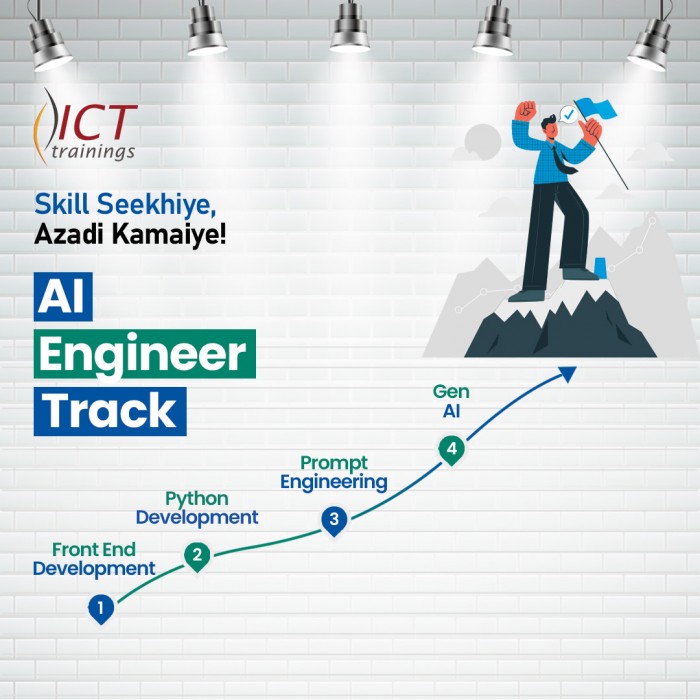
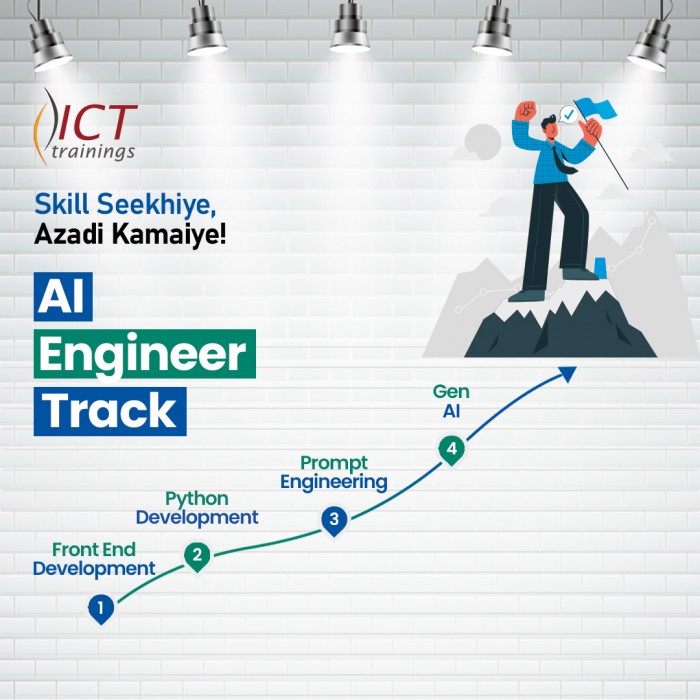
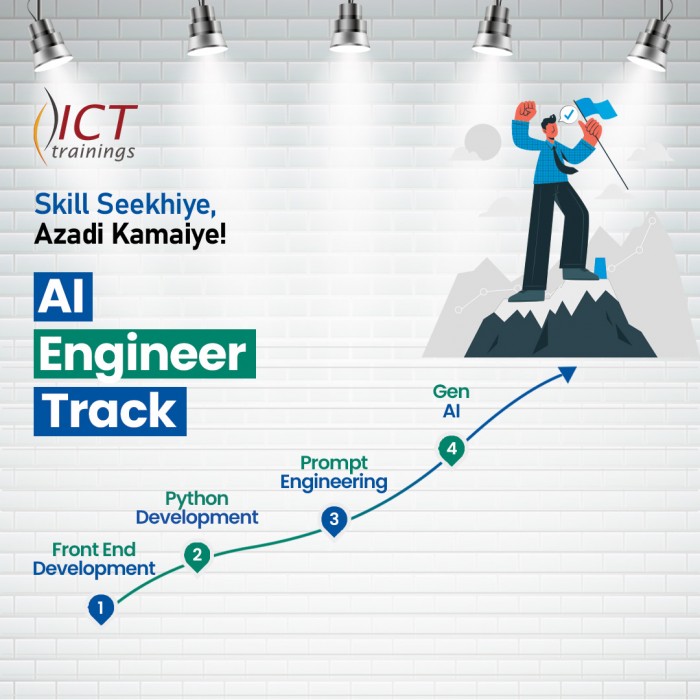
AI Engineer track
AI Engineer Track It's a complete roadmap for anyone who want to start earning...

Build Android Apps with AI
Getting Started with Android App Development Introduction to Android apps and Androi...
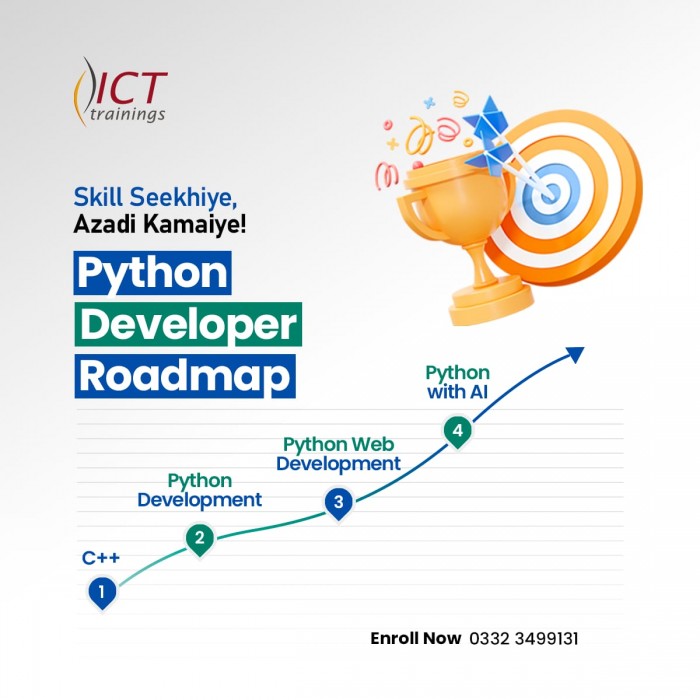
Python Developer Track
Python Developer Track It's a complete roadmap for anyone who want to sta...
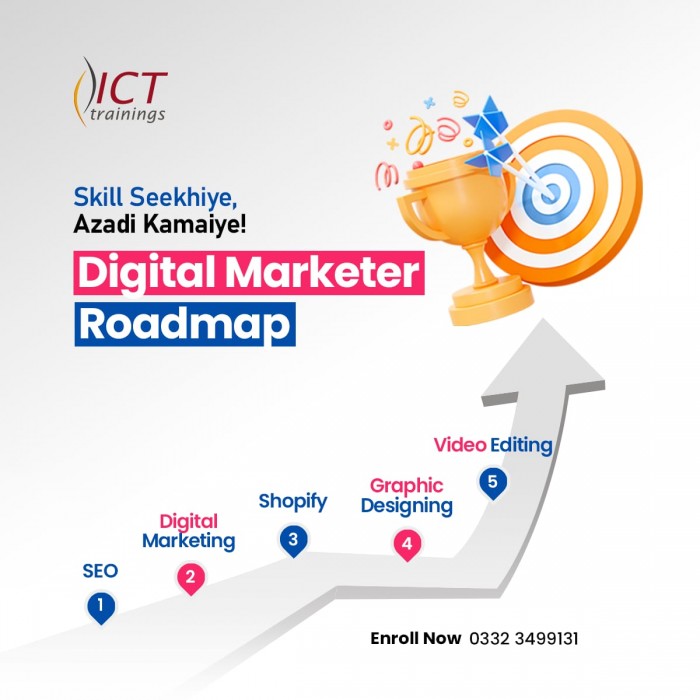
Digital Marketer Track
Digital Marketer Track It's a complete roadmap for anyone who want to start ea...