
Advance Graphic Designing
This is a high impact, CASE STUDY driven program designed to give you a flavor of real world application. You may immerse in a creating a Digital Camp...

Enrolled
1349
Investment
25,000
Course Overview
Everything you need to know about this comprehensive Meta marketing course
This is a high impact, CASE STUDY driven program designed to give you a flavor of real world application. You may immerse in a creating a Digital Campaign for a client, developing mock ups for an e-Commerce portal, or designing extended stationary, brochures, portfolios for a corporate customer, etc.
Pre-Requisite:
- Basic to Intermediate understanding of Adobe Photoshop & Adobe Illustrator
- Commitment to perform work assignments during the course
This in-depth course is ideal for those who have basic knowledge of progressive graphic designing and are familiar with the primary interface of Adobe Illustrator and Adobe Photoshop. You’ll produce exciting graphic projects using both the classic features and the new improved tools in Adobe Illustrator and Adobe Photoshop, and will finish this course with the ability to design vector graphics for different projects. You’ll also get hands-on practice working with basic and advanced techniques to get the most out of your design experience.
- Working in the Design Industry
- Project Setup and Interface
- Organizing Documents
- Creating and Modifying Visual Elements
- Publishing Digital Media
Adobe Photoshop CC
- Layer Panel
- Selection Panel
- Transformation Tool
- Selection Tool
- Lasso Tool
- Pen Tool Image Manipulation
- Shapes, Masking
- Gradients
- Smart Objects
- Photoshop Basic and Custom Shapes Brush Tool
- Makeup
- Stamp and Clone Stamp Tool
- Adjustment Layer
- Bluer Filter
- Patch Tool
- Type Tool and Typography in Photoshop
- Final Project
Adobe Illustrator CC
- Advance Tools
- Colors Panels
- Colors Mode
- Saving Document
- Art Boards Transformation
- Selection and Direct Selection Tool
- Basic Shapes and Alignment
- Gradient
- Pen Tool
- Stroke
- Transparency Typography
- Clipping Mask
- Path Finder
- Logo Designing
- Outline Stroke
- Branding
- Social Media Banners
- Final Project
What you will learn
- ✔ Develop a strong understanding of core concepts and best practices
- ✔ Apply theoretical knowledge to real-world projects
- ✔ Build practical skills through hands-on exercises
- ✔ Improve problem-solving and critical-thinking abilities
- ✔ Learn to plan, execute, and optimize projects effectively
- ✔ Communicate ideas and strategies clearly and professionally
- ✔ Use industry-standard tools and techniques confidently
- ✔ Manage time and resources efficiently to meet deadlines
- ✔ Work collaboratively and adapt to team environments
- ✔ Analyze performance and implement data-driven improvements
- ✔ Gain confidence to apply your learning in a professional setting
- ✔ Prepare for advanced learning or career opportunities in the field
Reviews
No reviews yet. Be the first to review this course!
You must be logged in to submit a review.
Login to ReviewBook Online
Frequently Asked Questions
Find quick solutions to common queries and get the most out of your learning experience
View More QuestionsRelated Courses
Courses that help building your career
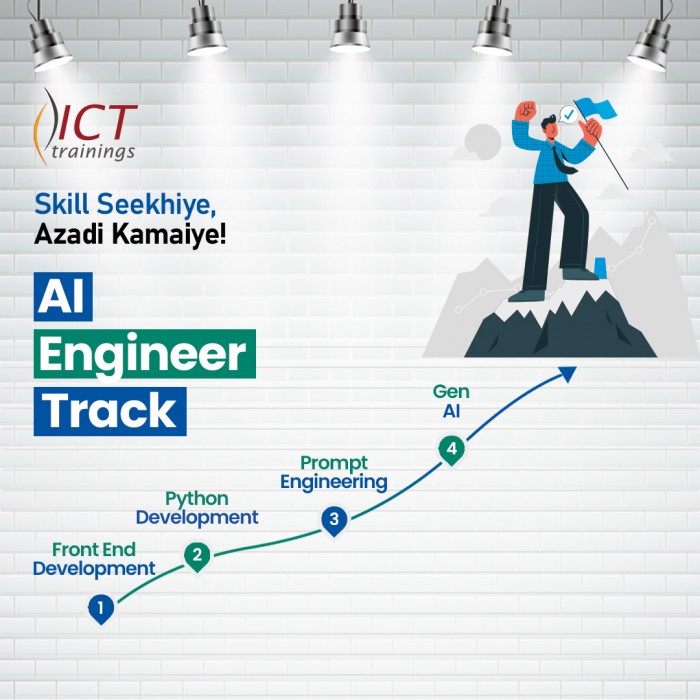
Generative AIs
Generative AI This is career-oriented training for you, after completion ...
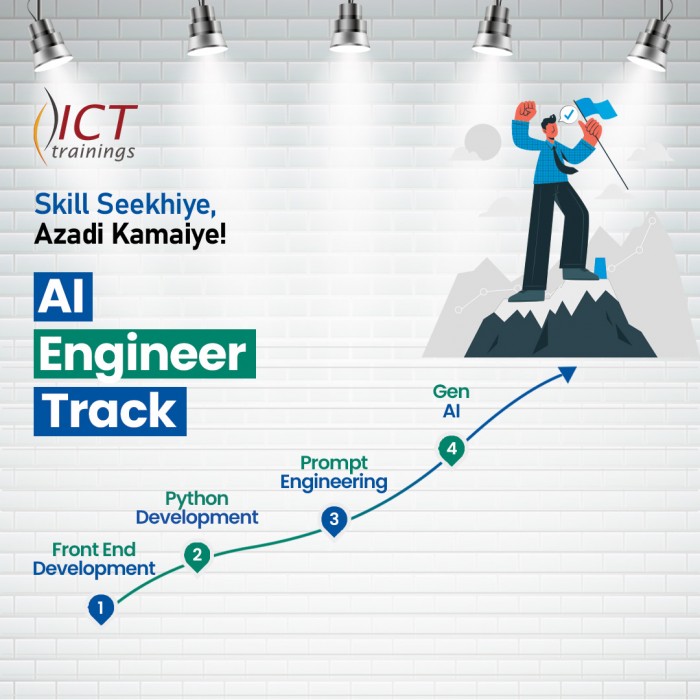
Prompt Engineering
Prompt Engineering Duration: 4 Weeks Level: Beginner → Intermediate Fo...
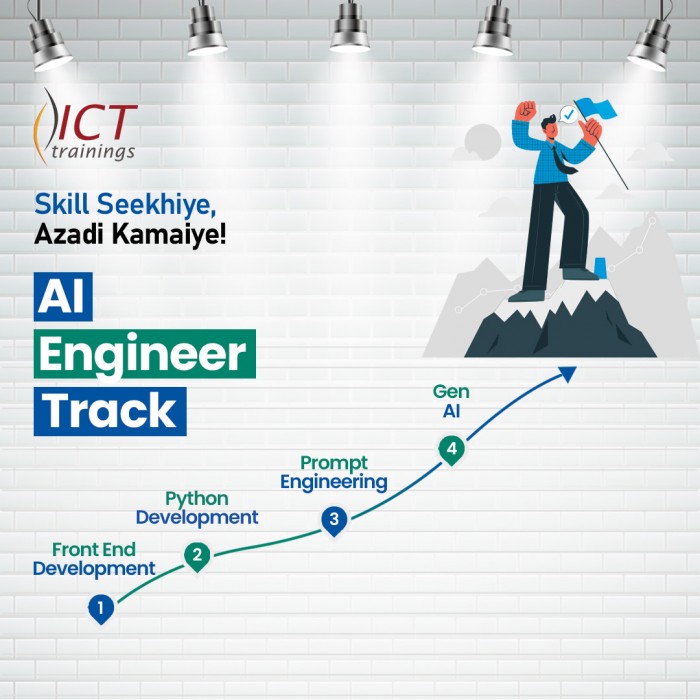
AI Engineer track
AI Engineer Track It's a complete roadmap for anyone who want to start earning...

Build Android Apps with AI
Getting Started with Android App Development Introduction to Android apps and Androi...
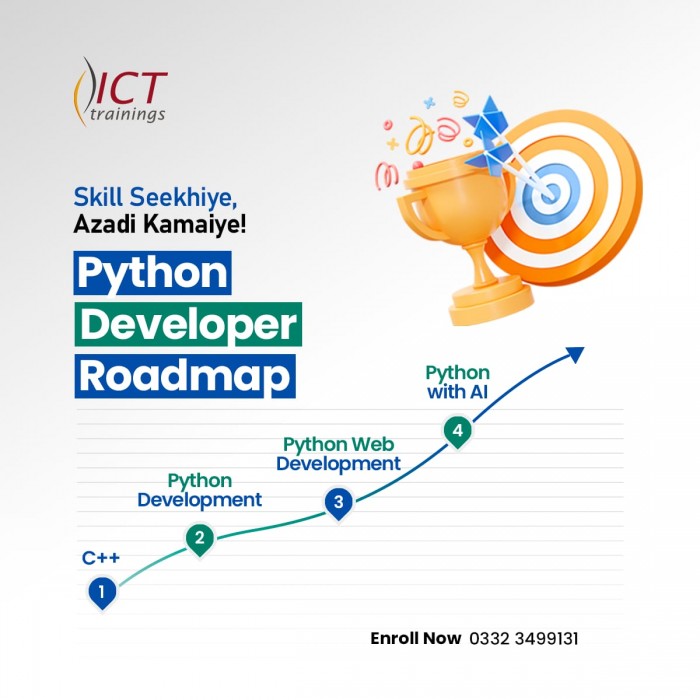
Python Developer Track
Python Developer Track It's a complete roadmap for anyone who want to sta...
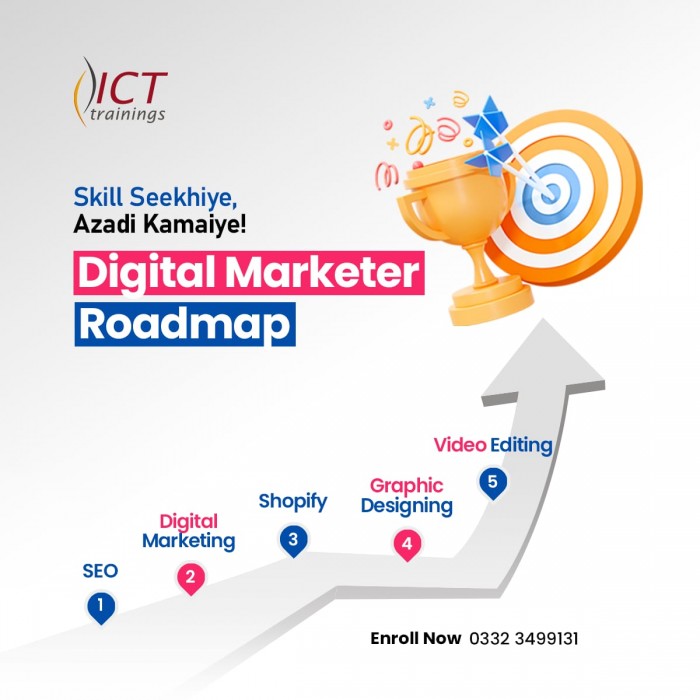
Digital Marketer Track
Digital Marketer Track It's a complete roadmap for anyone who want to start ea...