
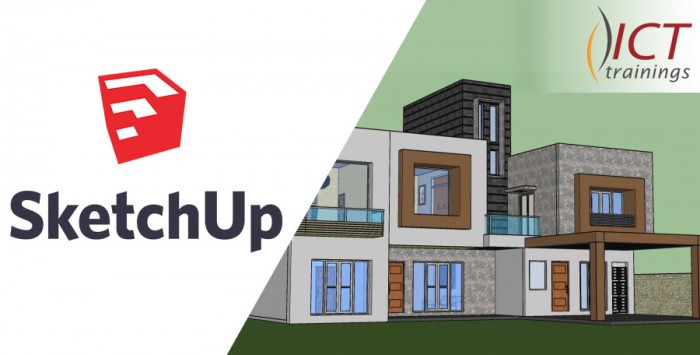
SketchUp
SketchUp Course Contents Build your design ideas with SketchUp Pro Introduction 1. The SketchUp Interface Choose a template Basics fo...

Enrolled
11
Investment
15,000
Course Overview
Everything you need to know about this comprehensive Meta marketing course
SketchUp Course Contents
Build your design ideas with SketchUp Pro
Introduction
1. The SketchUp Interface
- Choose a template
- Basics for using a Windows interface
- Basics for using a Mac interface
- Customize the toolbar for Mac
- The axes
- Standard camera views
- Zoom tools
- Move the camera view with Orbit and Pan tools
- Setting a camera view and Look Around
- Walking around the model
2. Manipulate Objects
- Select tool
- Move tool
- Creating copies and an array
- Resize an object
- Rotating an object
- Flipping and mirroring an object
- The 3D Warehouse
- Why polygons matter
3. Drawing in SketchUp
- Line tool
- Rectangle tool
- Circle and Ellipse tools
- Push/Pull into 3D
- Tape Measure tool
- Protractor tool
- Undo and let go
- Eraser tool
- Understanding faces and edges
- Dividing lines
- Offset tool
4. Modelling from a Floor Plan Image
- Import and prep
- Drawing a floor plan
- Extrude walls
- Add doorways and windows
5. Organization
- Making groups
- Making components
- Isolate a group or component
- Layers and Entity Info
- The Outliner window
6. Materials
- Apply material using a Mac
- Edit material using a Mac
- Apply material using Windows
- Edit material using Windows
- Apply material using 3D Warehouse
- Import and apply custom texture
- Purging material list
7. Document and Stylize
- Setting shadows and fog
- Changing the style
- Set and update scenes
- Checking edge alignment
- Create a section cut
- Dimensioning
- Drawing dashed lines
- Labeling
- 3D text
- Animation
- Export in 2D and 3D
What you will learn
- ✔ Develop a strong understanding of core concepts and best practices
- ✔ Apply theoretical knowledge to real-world projects
- ✔ Build practical skills through hands-on exercises
- ✔ Improve problem-solving and critical-thinking abilities
- ✔ Learn to plan, execute, and optimize projects effectively
- ✔ Communicate ideas and strategies clearly and professionally
- ✔ Use industry-standard tools and techniques confidently
- ✔ Manage time and resources efficiently to meet deadlines
- ✔ Work collaboratively and adapt to team environments
- ✔ Analyze performance and implement data-driven improvements
- ✔ Gain confidence to apply your learning in a professional setting
- ✔ Prepare for advanced learning or career opportunities in the field
Reviews
No reviews yet. Be the first to review this course!
You must be logged in to submit a review.
Login to ReviewBook Online
Frequently Asked Questions
Find quick solutions to common queries and get the most out of your learning experience
View More QuestionsRelated Courses
Courses that help building your career
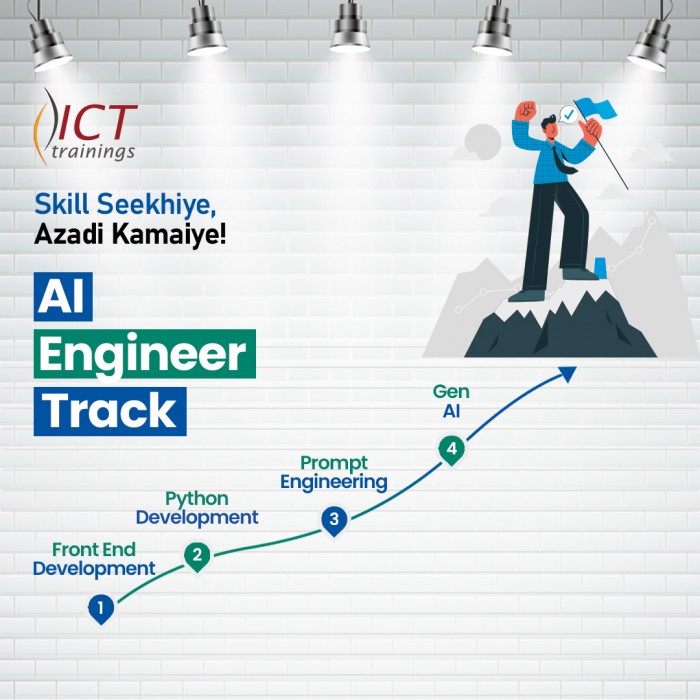
Generative AIs
Generative AI This is career-oriented training for you, after completion ...
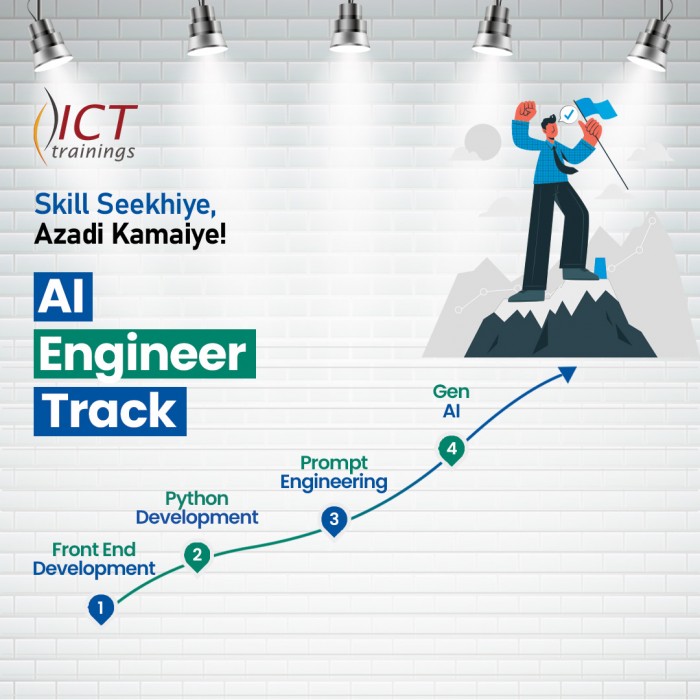
Prompt Engineering
Prompt Engineering Duration: 4 Weeks Level: Beginner → Intermediate Fo...
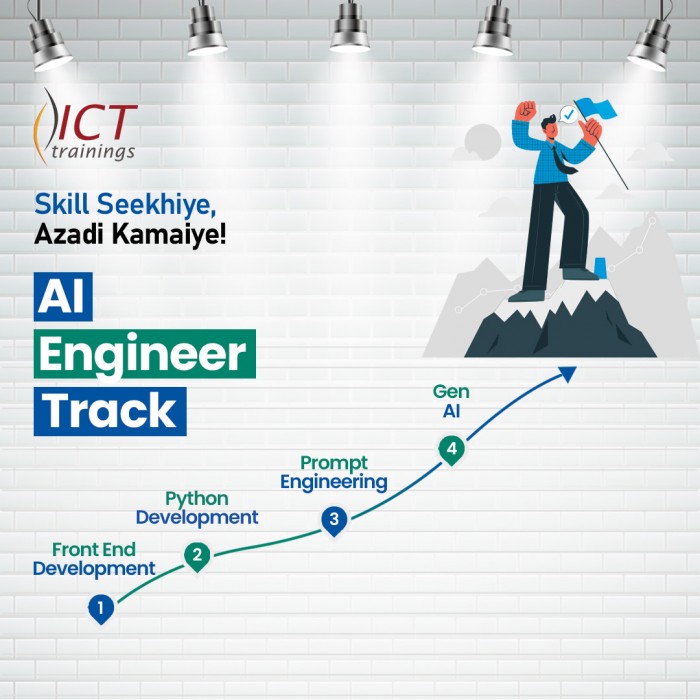
AI Engineer track
AI Engineer Track It's a complete roadmap for anyone who want to start earning...

Build Android Apps with AI
Getting Started with Android App Development Introduction to Android apps and Androi...
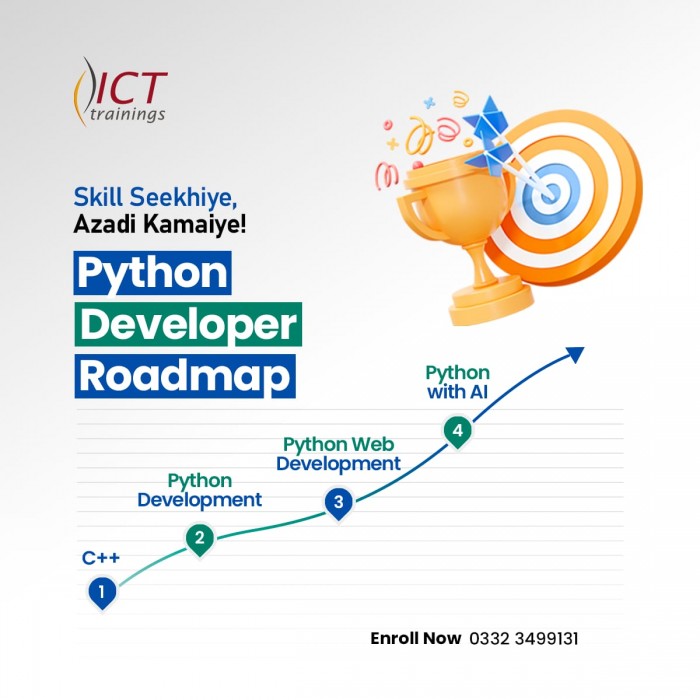
Python Developer Track
Python Developer Track It's a complete roadmap for anyone who want to sta...

Digital Marketer Track
Digital Marketer Track It's a complete roadmap for anyone who want to start ea...