
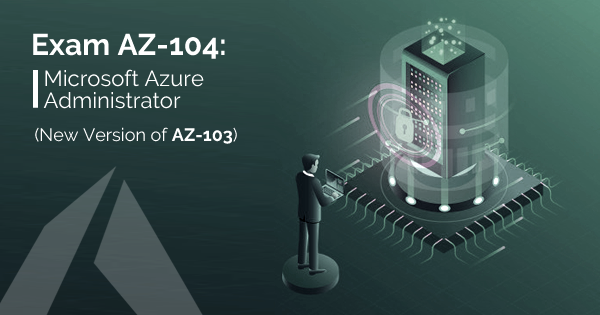
Azure AZ104
MCSA Azure Cloud AZ-104 Contents Microsoft Azure Cloud curriculum follows the Microsoft certification standards and is designed to meet the require...

Enrolled
113
Investment
30,000
Course Overview
Everything you need to know about this comprehensive Meta marketing course
MCSA Azure Cloud AZ-104 Contents
Microsoft Azure Cloud curriculum follows the Microsoft certification standards and is designed to meet the requirements of today’s business needs.
Manage Azure identities and governance
Manage Azure AD objects
- create users and groups
- manage user and group properties
- manage device settings
- perform bulk user updates
- manage guest accounts
- configure Azure AD Join
- configure self-service password reset
- NOT: Azure AD Connect; PIM
Manage role-based access control (RBAC)
- create a custom role
- provide access to Azure resources by assigning roles
- subscriptions
- resource groups
- resources (VM, disk, etc.)
- interpret access assignments
- manage multiple directories
Manage subscriptions and governance
- configure Azure policies
- configure resource locks
- apply tags
- create and manage resource groups
- move resources
- remove RGs
- manage subscriptions
- configure Cost Management
- configure management groups
Implement and manage storage
Manage storage accounts
- configure network access to storage accounts
- create and configure storage accounts
- generate shared access signature
- manage access keys
- implement Azure storage replication
- configure Azure AD Authentication for a storage account
Manage data in Azure Storage
- export from Azure job
- import into Azure job
- install and use Azure Storage Explorer
- copy data by using AZCopy
Configure Azure files and Azure blob storage
- create an Azure file share
- create and configure Azure File Sync service
- configure Azure blob storage
- configure storage tiers for Azure blobs
Deploy and manage Azure compute resources
Configure VMs for high availability and scalability
- configure high availability
- deploy and configure scale sets
Automate deployment and configuration of VMs
- modify Azure Resource Manager (ARM) template
- configure VHD template
- deploy from template
- save a deployment as an ARM template
- automate configuration management by using custom script extensions
Create and configure VMs
- configure Azure Disk Encryption
- move VMs from one resource group to another
- manage VM sizes
- add data discs
- configure networking
- redeploy VMs
Create and configure containers
- create and configure Azure Kubernetes Service (AKS)
- create and configure Azure Container Instances (ACI)
- NOT: selecting an container solution architecture or product; container registry settings
Create and configure Web Apps
- create and configure App Service
- create and configure App Service Plans
- NOT: Azure Functions; Logic Apps; Event Grid
Configure and manage virtual networking
Implement and manage virtual networking
- create and configure VNET peering
- configure private and public IP addresses, network routes, network interface, subnets, and virtual network
Configure name resolution
- configure Azure DNS
- configure custom DNS settings
- configure a private or public DNS zone
Secure access to virtual networks
- create security rules
- associate an NSG to a subnet or network interface
- evaluate effective security rules
- deploy and configure Azure Firewall
- deploy and configure Azure Bastion Service
- NOT: Implement Application Security Groups; DDoS
Configure load balancing
- configure Application Gateway
- configure an internal load balancer
- configure load balancing rules
- configure a public load balancer
- troubleshoot load balancing
- NOT: Traffic Manager and FrontDoor and PrivateLink
Monitor and troubleshoot virtual networking
- monitor on-premises connectivity
- use Network Performance Monitor
- use Network Watcher
- troubleshoot external networking
- troubleshoot virtual network connectivity
Integrate an on-premises network with an Azure virtual network
- create and configure Azure VPN Gateway
- create and configure VPNs
- configure ExpressRoute
- configure Azure Virtual WAN
Monitor and back up Azure resources
Monitor resources by using Azure Monitor
- configure and interpret metrics
- analyze metrics across subscriptions
- configure Log Analytics
- implement a Log Analytics workspace
- configure diagnostic settings
- query and analyze logs
- create a query
- save a query to the dashboard
- interpret graphs
- set up alerts and actions
- create and test alerts
- create action groups
- view alerts in Azure Monitor
- analyze alerts across subscriptions
- configure Application Insights
- NOT: Network monitoring
Implement backup and recovery
- configure and review backup reports
- perform backup and restore operations by using Azure Backup Service
- create a Recovery Services Vault
- use soft delete to recover Azure VMs
- create and configure backup policy
- perform site-to-site recovery by using Azure Site Recovery
What you will learn
- ✔ Develop a strong understanding of core concepts and best practices
- ✔ Apply theoretical knowledge to real-world projects
- ✔ Build practical skills through hands-on exercises
- ✔ Improve problem-solving and critical-thinking abilities
- ✔ Learn to plan, execute, and optimize projects effectively
- ✔ Communicate ideas and strategies clearly and professionally
- ✔ Use industry-standard tools and techniques confidently
- ✔ Manage time and resources efficiently to meet deadlines
- ✔ Work collaboratively and adapt to team environments
- ✔ Analyze performance and implement data-driven improvements
- ✔ Gain confidence to apply your learning in a professional setting
- ✔ Prepare for advanced learning or career opportunities in the field
Reviews
No reviews yet. Be the first to review this course!
You must be logged in to submit a review.
Login to ReviewBook Online
Frequently Asked Questions
Find quick solutions to common queries and get the most out of your learning experience
View More QuestionsRelated Courses
Courses that help building your career
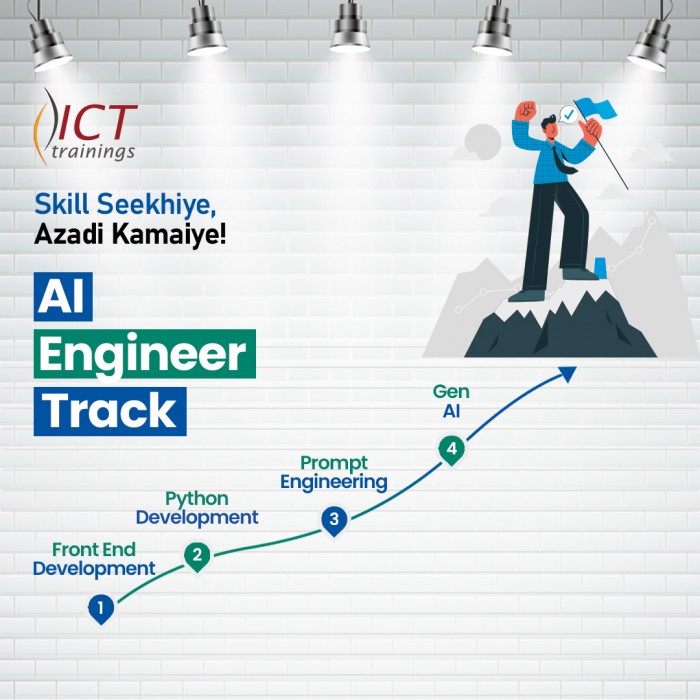
Generative AIs
Generative AI This is career-oriented training for you, after completion ...
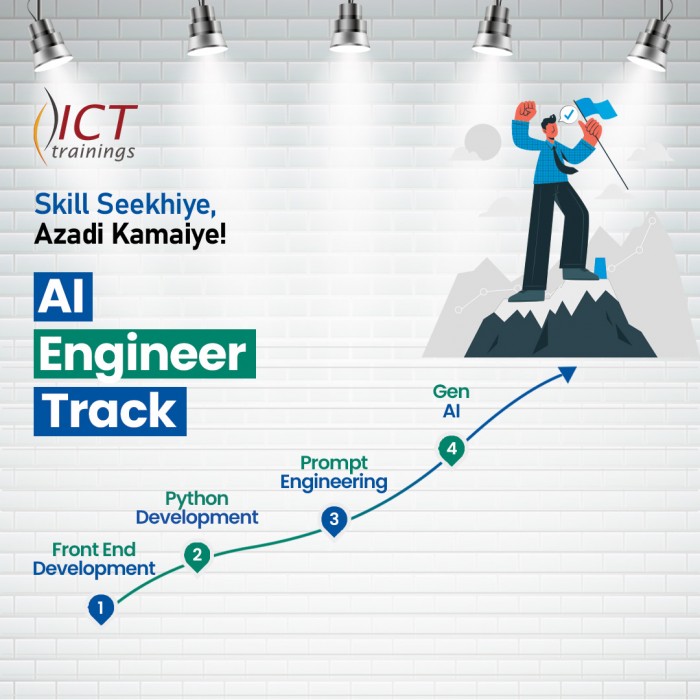
Prompt Engineering
Prompt Engineering Duration: 4 Weeks Level: Beginner → Intermediate Fo...
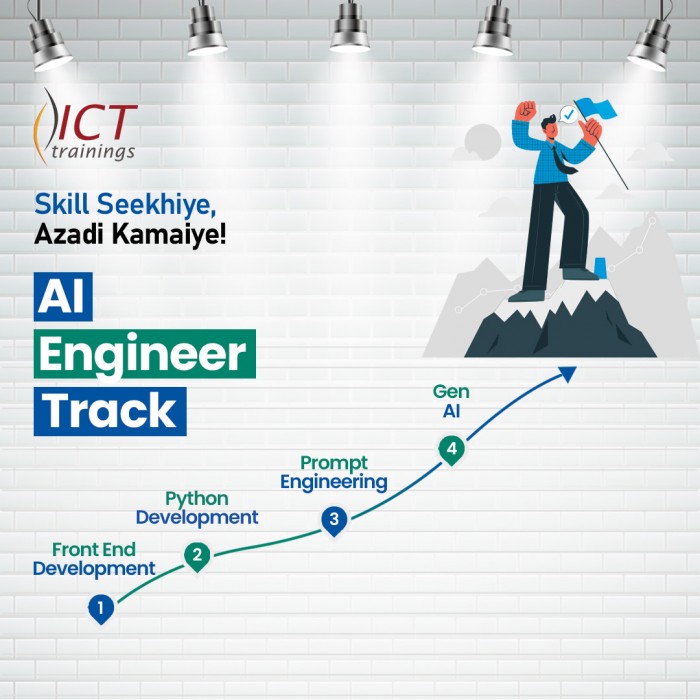
AI Engineer track
AI Engineer Track It's a complete roadmap for anyone who want to start earning...
Build Android Apps with AI
Getting Started with Android App Development Introduction to Android apps and Androi...
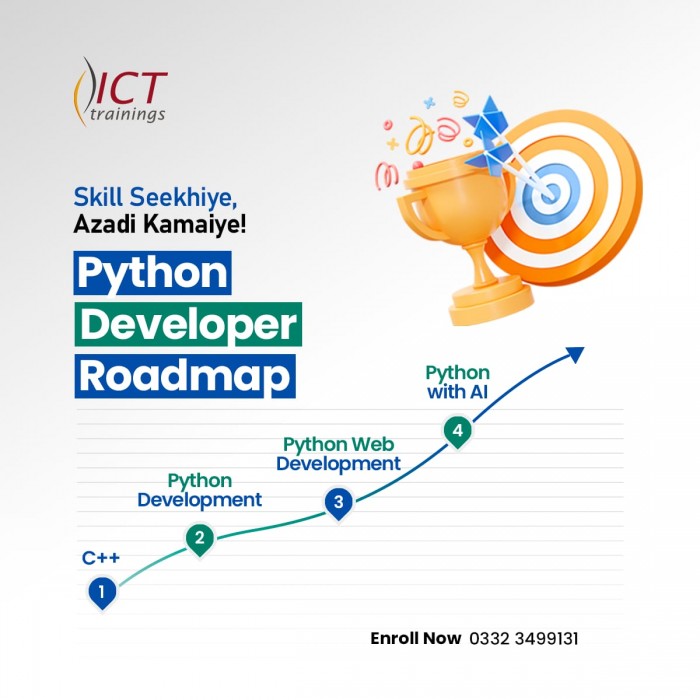
Python Developer Track
Python Developer Track It's a complete roadmap for anyone who want to sta...
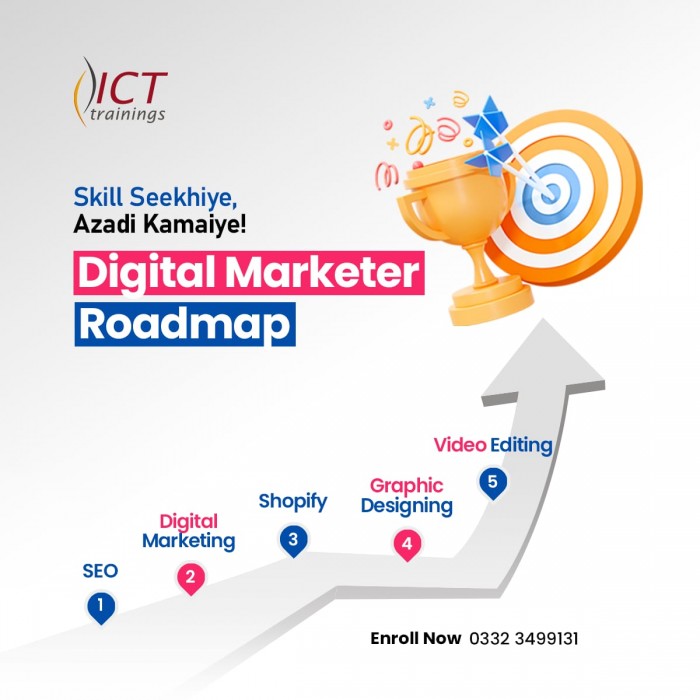
Digital Marketer Track
Digital Marketer Track It's a complete roadmap for anyone who want to start ea...