
Excel for Business
Designing Data Models in Excel for Power BI Report Excel for Business - Level2 Course Content: Identifying the Role of Power Pivot in B...

Enrolled
141
Investment
18,000
Course Overview
Everything you need to know about this comprehensive Meta marketing course
Designing Data Models in Excel for Power BI Report
Excel for Business - Level2
Course Content:
-
Identifying the Role of Power Pivot in Business Intelligence (BI)
Introducing the Business Intelligence Tools
- Exploring the Microsoft Business Intelligence tools
- Defining the requirements for a collaborative solution
- Identifying the steps to create a Power BI dashboard
Familiarisation with Power Pivot
- Navigating the Power Pivot interface
- Extracting information from data with Power Pivot
- Uncovering data interpretation issues
- Creating a dashboard
-
Building the Data Model with Power Pivot
Defining a consolidated view of data
- Generating a data mashup from structured and unstructured data sources into a data model
- Deriving relationships from data sources with the Relationships tool and the Diagram View
Denormalising data to simplify usage within other BI reporting tools
- Acquiring data from related tables
- Defining calculated columns
- Consolidating information available to BI tools
Querying SQL Server data
- Designing queries to import data from SQL Server
- Relating tables with outer joins
Fixing common data issues with Power Query
- Extracting, Transforming and Loading (ETL) data
- Converting data formats with Power Query steps
- Parsing columns to aid analysis
- Removing duplicates from a data set
- Constructing a single data set from multiple sources with the same field headings
-
Manipulating and Analysing Data with the Data Analysis eXpressions (DAX) Language
Defining measures for business performance
- Distinguishing the role of measures
- Translating key business concepts into measures
- Providing context for measures within a PivotTable
- Determining between implicit and explicit measures
Implementing DAX functions in Power Pivot
- Expressing information with measures
- Exposing hidden information from data
- Troubleshooting and debugging DAX calculations
Exploiting data analytics with aggregation
- Quantifying and mining information with DAX functions
- Summarising and aggregating data from other tables with the X functions
- Evaluating expressions with the CALCULATE() function and filter functions
- Substituting values with the SWITCH() function
Mining for information with date and time analysis
- Grouping dates for time analysis
- Comparing and categorising time periods with Time Intelligence functions
Setting key business targets with KPIs
- Analysing performance with measures
- Gauging performance against goals
-
Designing effective Power BI dashboards
Familiarisation with the Power BI Architecture
- Deciding on where to develop a dashboard
- Importing an Excel data model into Power BI Desktop
- Developing a data model in the Power BI Desktop
- Crafting visualisations from the analytics
Building a Power BI dashboard
- Constructing Power BI Reports
- Planning a Power BI Dashboard
- Assembling a Power BI Dashboard
What you will learn
- ✔ Develop a strong understanding of core concepts and best practices
- ✔ Apply theoretical knowledge to real-world projects
- ✔ Build practical skills through hands-on exercises
- ✔ Improve problem-solving and critical-thinking abilities
- ✔ Learn to plan, execute, and optimize projects effectively
- ✔ Communicate ideas and strategies clearly and professionally
- ✔ Use industry-standard tools and techniques confidently
- ✔ Manage time and resources efficiently to meet deadlines
- ✔ Work collaboratively and adapt to team environments
- ✔ Analyze performance and implement data-driven improvements
- ✔ Gain confidence to apply your learning in a professional setting
- ✔ Prepare for advanced learning or career opportunities in the field
Reviews
No reviews yet. Be the first to review this course!
You must be logged in to submit a review.
Login to ReviewBook Online
Frequently Asked Questions
Find quick solutions to common queries and get the most out of your learning experience
View More QuestionsRelated Courses
Courses that help building your career
Generative AIs
Generative AI This is career-oriented training for you, after completion ...
Prompt Engineering
Prompt Engineering Duration: 4 Weeks Level: Beginner → Intermediate Fo...
AI Engineer track
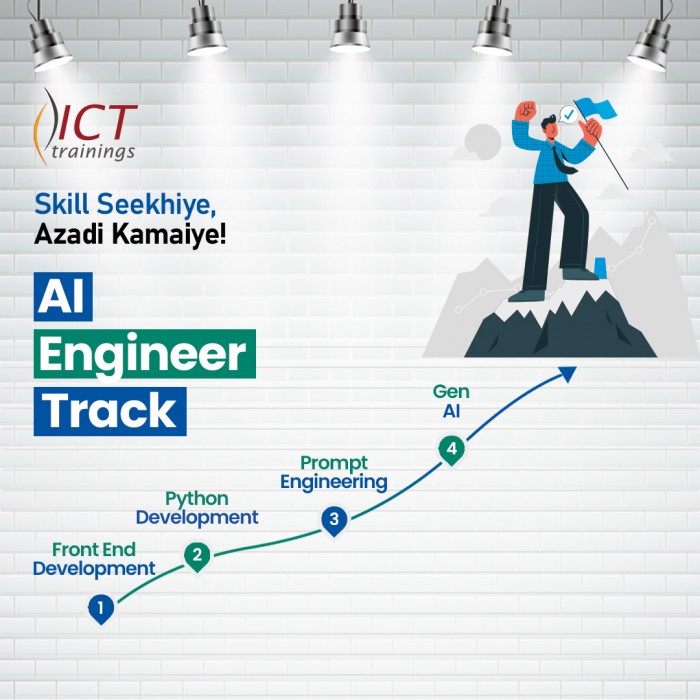
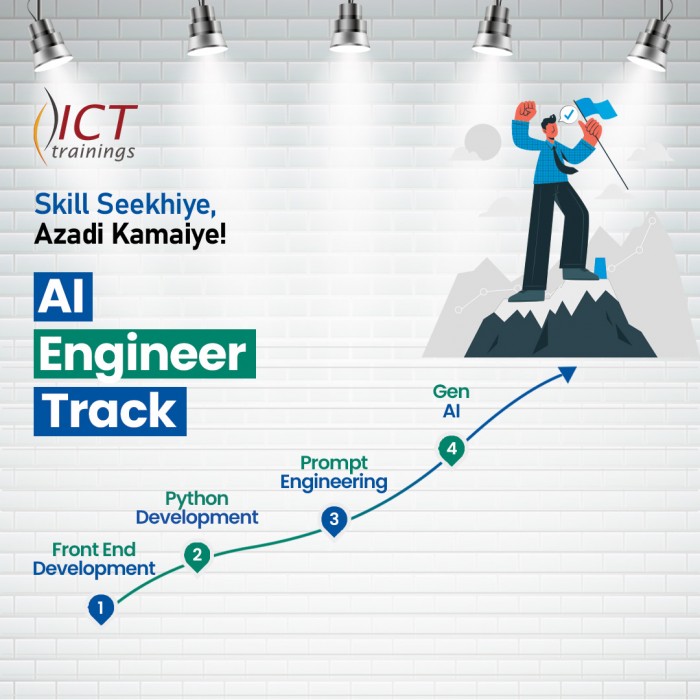
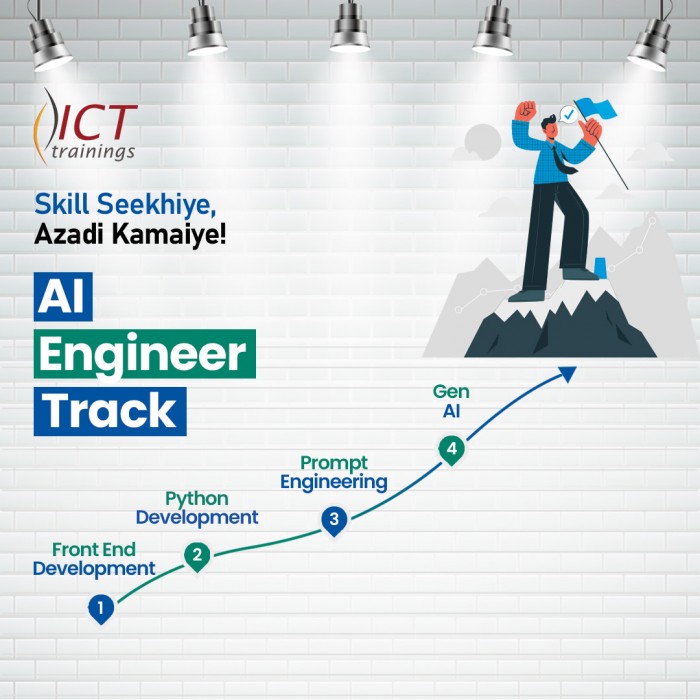
AI Engineer Track It's a complete roadmap for anyone who want to start earning...

Build Android Apps with AI
Getting Started with Android App Development Introduction to Android apps and Androi...
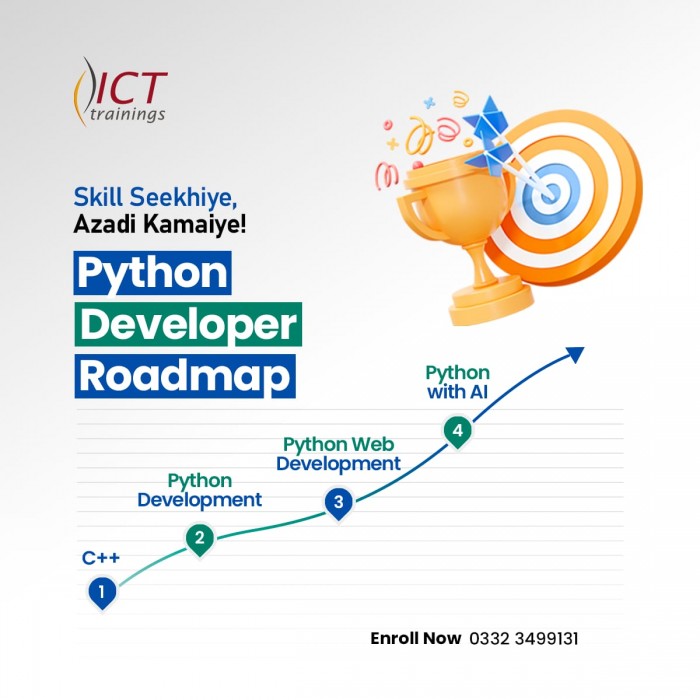
Python Developer Track
Python Developer Track It's a complete roadmap for anyone who want to sta...

Digital Marketer Track
Digital Marketer Track It's a complete roadmap for anyone who want to start ea...