
MCSE 2016
MCSE [Microsoft Certified Solutions Expert] 2016 [Download Outline] MCSA [Microsoft Certified Solution Associate] Windows Server 2016 I...

Enrolled
1074
Investment
30,000
Course Overview
Everything you need to know about this comprehensive Meta marketing course
MCSE [Microsoft Certified Solutions Expert] 2016
MCSA [Microsoft Certified Solution Associate] Windows Server 2016
Installation, Storage, and Compute with Windows Server 2016 (Exam 70-740)
Installing, upgrading, and migrating servers and workloads
- Introducing Windows Server 2016
- Preparing and installing Server Core
- Preparing for upgrades and migrations
- Migrating server roles and workloads
- Windows Server activation models
Configuring local storage
- Managing disks in Windows Server
- Managing volumes in Windows Server
Implementing enterprise storage solutions
- Overview of DAS, NAS, and SANs
- Comparing Fibre Channel, iSCSI, and Fibre Channel over Ethernet
- Understanding iSNS, DCB, and MPIO
- Configuring sharing in Windows Server 2016
Implementing Storage Spaces and Data Deduplication
- Implementing Storage Spaces
- Managing Storage Spaces
- Implementing Data Deduplication
Installing and configuring Hyper-V and virtual machines
- Overview of Hyper-V
- Installing Hyper-V
- Configuring storage on Hyper-V host servers
- Configuring networking on Hyper-V host servers
- Configuring Hyper-V virtual machines
- Managing virtual machines
Deploying and managing Windows and Hyper-V containers
- Overview of containers in Windows Server 2016
- Deploying Windows Server and Hyper-V containers
- Installing, configuring, and managing containers by using Docker
Overview of high availability and disaster recovery
- Defining levels of availability
- Planning high availability and disaster recovery solutions with Hyper-V virtual machines
- Backing up and restoring by using Windows Server Backup
- High availability with failover clustering in Windows Server 2016
Implementing failover clustering
- Planning a failover cluster
- Creating and configuring a new failover cluster
- Maintaining a failover cluster
- Troubleshooting a failover cluster
- Implementing site high availability with stretch clustering
Implementing failover clustering with Windows Server 2016 Hyper-V
- Overview of the integration of Hyper-V Server 2016 with failover clustering
- Implementing Hyper-V VMs on failover clusters
- Key features for VMs in a clustered environment
Implementing Network Load Balancing
- Overview of NLB
- Configuring an NLB cluster
- Planning an NLB implementation
Creating and managing deployment images
- Introduction to deployment images
- Creating and managing deployment images by using MDT
- Virtual machine environments for different workloads
Managing, monitoring, and maintaining virtual machine installations
- WSUS overview and deployment options
- Update management process with WSUS
- Overview of Windows PowerShell DSC
- Overview of Windows Server 2016 monitoring tools
- Using Performance Monitor
- Monitoring event logs
Networking with Windows Server 2016 (Exam 70-741)
Planning and implementing an IPv4 network
- Planning IPv4 addressing
- Configuring an IPv4 host
- Managing and troubleshooting IPv4 network connectivity
Implementing DHCP
- Overview of the DHCP server role
- Deploying DHCP
- Managing and troubleshooting DHCP
Implementing IPv6
- Overview of IPv6 addressing
- Configuring an IPv6 host
- Implementing IPv6 and IPv4 coexistence
- Transitioning from IPv4 to IPv6
Implementing DNS
- Implementing DNS servers
- Configuring zones in DNS
- Configuring name resolution between DNS zones
- Configuring DNS integration with Active Directory Domain Services (AD DS)
- Configuring advanced DNS settings
Implementing and managing IPAM
- Overview of IPAM
- Deploying IPAM
- Managing IP address spaces by using IPAM
- Remote access in Windows Server 2016 Overview of remote access
- Implementing the Web Application Proxy
Implementing DirectAccess
- Overview of DirectAccess
- Implementing DirectAccess by using the Getting Started Wizard
- Implementing and managing an advanced DirectAccess infrastructure
Implementing VPNs
- Planning VPNs
- Implementing VPNs
Implementing networking for branch offices
- Networking features and considerations for branch offices
- Implementing Distributed File System (DFS) for branch offices
- Implementing BranchCache for branch offices
Configuring advanced networking features
- Overview of high performance networking features
- Configuring advanced Microsoft Hyper-V networking features
Implementing Software Defined Networking Overview of SDN.
- Implementing network virtualization
- Implementing Network Controller
Identity with Windows Server 2016 (Exam 70-742)
Installing and configuring domain controllers
- Overview of AD DS
- Overview of AD DS domain controllers
- Deploying a domain controller
Managing objects in AD DS
- Managing user accounts
- Managing groups in AD DS
- Managing computer objects in AD DS
- Using Windows PowerShell for AD DS administration
- Implementing and managing OUs
Advanced AD DS infrastructure management
- Overview of advanced AD DS deployments
- Deploying a distributed AD DS environment
- Configuring AD DS trusts
Implementing and administering AD DS sites and replication
- Overview of AD DS replication
- Configuring AD DS sites
- Configuring and monitoring AD DS replication
Implementing Group Policy
- Introducing Group Policy
- Implementing and administering GPOs
- Group Policy scope and Group Policy processing
- Troubleshooting the application of GPOs
Managing user settings with Group Policy
- Implementing administrative templates
- Configuring Folder Redirection, software installation, and scripts
- Configuring Group Policy preferences
Securing Active Directory Domain Services
- Securing domain controllers
- Implementing account security
- Implementing audit authentication
- Configuring managed service accounts
Deploying and managing AD CS
- Deploying CAs
- Administering CAs
- Troubleshooting and maintaining CAs
Deploying and managing certificates
- Deploying and managing certificate templates
- Managing certificate deployment, revocation, and recovery
- Using certificates in a business environment
- Implementing and managing smart cards
Implementing and administering AD FS
- Overview of AD FS
- AD FS requirements and planning
- Deploying and configuring AD FS
- Web Application Proxy Overview
Implementing and administering AD RMS
- Overview of AD RMS
- Deploying and managing an AD RMS infrastructure
- Configuring AD RMS content protection
Implementing AD DS synchronization with Microsoft Azure AD
- Planning and preparing for directory synchronization
- Implementing directory synchronization by using Azure AD Connect
- Managing identities with directory synchronization
Monitoring, managing, and recovering AD DS
- Monitoring AD DS
- Managing the Active Directory database
- Active Directory backup and recovery options for AD DS and other identity and access solutions
MCSE [Microsoft Certified Solution Expert] Cloud Platform and Infrastructure 2016
Pre-requisite:
Earn an MCSA certification in Windows Server 2016, Cloud Platform, Linux on Azure, or Windows Server 2012.
Pass 1 required exam
Securing Windows Server 2016 (Exam 70-744)
Attacks, breach detection, and Sysinternals tools
- Understanding attacks
- Detecting security breaches
- Examining activity with the Sysinternals tools
Protecting credentials and privileged access
- Understanding user rights
- Computer and service accounts
- Protecting credentials
- Privileged Access Workstations and jump servers
- Local administrator password solution
Limiting administrator rights with Just Enough Administration
- Understanding JEA
- Verifying and deploying JEA
Privileged access management and administrative forests
- ESAE forests
- Overview of Microsoft Identity Manager
- Overview of JIT administration and PAM
Mitigating malware and threats
- Configuring and managing Windows Defender
- Restricting software
- Configuring and using the Device Guard feature
Analyzing activity with advanced auditing and log analytics
- Overview of auditing
- Advanced auditing
- Windows PowerShell auditing and logging
Deploying and configuring Advanced Threat Analytics and Microsoft Operations Management Suite
- Deploying and configuring ATA
- Deploying and configuring Microsoft Operations Management Suite
- Deploying and configuring Azure Security Center
Secure Virtualization Infrastructure
- Guarded fabric
- Shielded and encryption-supported virtual machines
Securing application development and server-workload infrastructure
- Using SCT
- Understanding containers
Planning and protecting data
- Planning and implementing encryption
- Planning and implementing BitLocker
- Protecting data by using Azure Information Protection
Optimizing and securing file services
- File Server Resource Manager
- Implementing classification and file management tasks
- Dynamic Access Control
Securing network traffic with firewalls and encryption
- Understanding network-related security threats
- Understanding Windows Firewall with Advanced Security
- Configuring IPsec
- Datacenter Firewall
Securing network traffic
- Configuring advanced DNS settings
- Examining network traffic with Message Analyzer
- Securing and analyzing SMB traffic
Practical Approach
- The real life examples will be given throughout the lectures.
What you will learn
- ✔ Develop a strong understanding of core concepts and best practices
- ✔ Apply theoretical knowledge to real-world projects
- ✔ Build practical skills through hands-on exercises
- ✔ Improve problem-solving and critical-thinking abilities
- ✔ Learn to plan, execute, and optimize projects effectively
- ✔ Communicate ideas and strategies clearly and professionally
- ✔ Use industry-standard tools and techniques confidently
- ✔ Manage time and resources efficiently to meet deadlines
- ✔ Work collaboratively and adapt to team environments
- ✔ Analyze performance and implement data-driven improvements
- ✔ Gain confidence to apply your learning in a professional setting
- ✔ Prepare for advanced learning or career opportunities in the field
Reviews

Very well knowledge and skills
You must be logged in to submit a review.
Login to ReviewBook Online
Frequently Asked Questions
Find quick solutions to common queries and get the most out of your learning experience
View More QuestionsRelated Courses
Courses that help building your career
Generative AIs
Generative AI This is career-oriented training for you, after completion ...
Prompt Engineering
Prompt Engineering Duration: 4 Weeks Level: Beginner → Intermediate Fo...
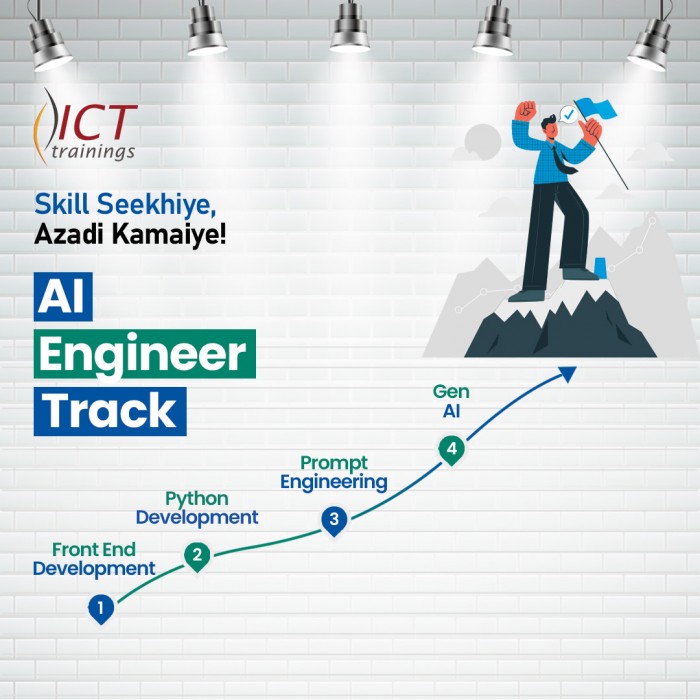
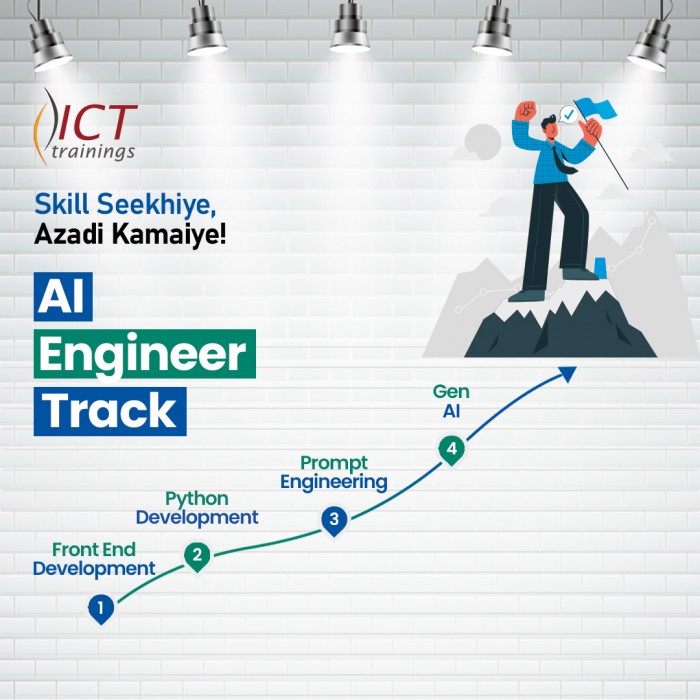
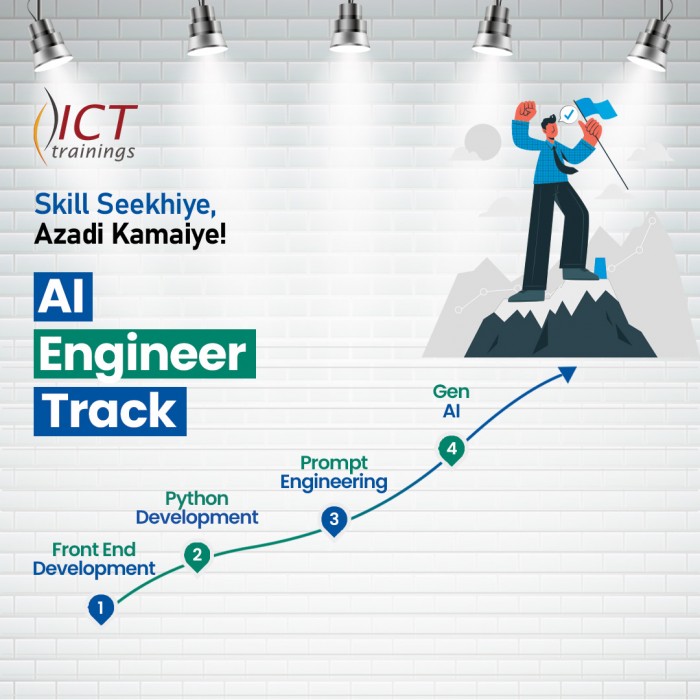
AI Engineer track
AI Engineer Track It's a complete roadmap for anyone who want to start earning...

Build Android Apps with AI
Getting Started with Android App Development Introduction to Android apps and Androi...
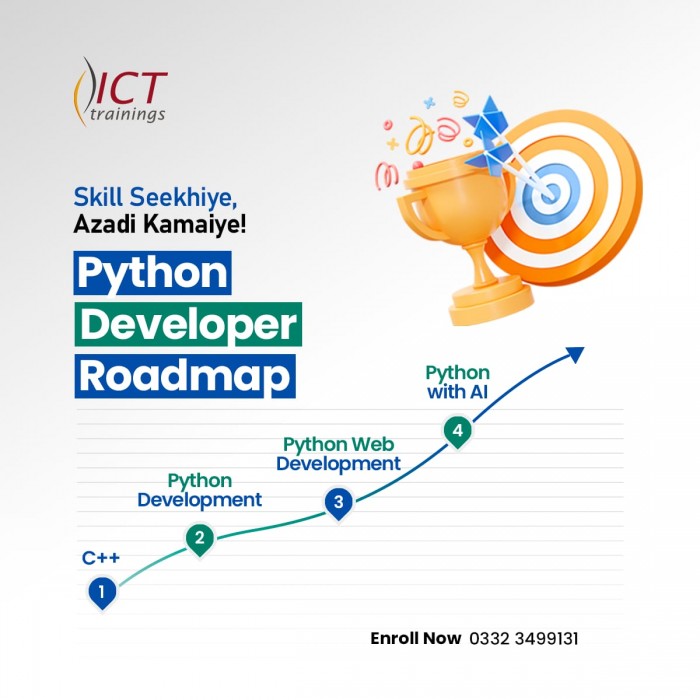
Python Developer Track
Python Developer Track It's a complete roadmap for anyone who want to sta...

Digital Marketer Track
Digital Marketer Track It's a complete roadmap for anyone who want to start ea...