
Web Designing with Angular
Web Designing with Angular [Download Free PDF] Introduction Angular is one of the latest and robust technology within the computer...

Enrolled
1795
Investment
30,000
Course Overview
Everything you need to know about this comprehensive Meta marketing course
Web Designing with Angular
Introduction
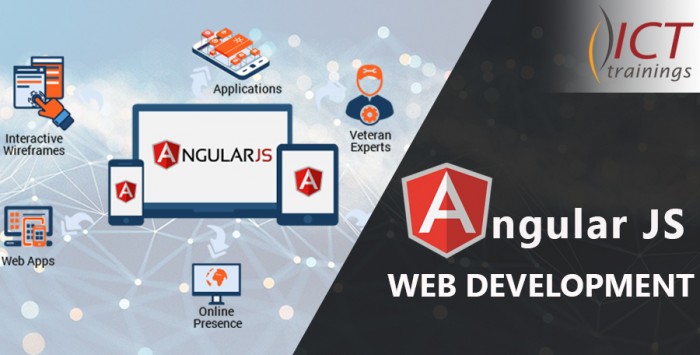
Angular is one of the latest and robust technology within the computer software development market. Angular allows the developers to build applications that live on the web, desktop, or the mobile. The apps that are built with angular are very fast and secure for software development.
Difference between Various Versions, AngularJS and Angular 2+
Among all of the front-end developers, Angular is a famous web application building framework. Whenever we need to use Angular in our web product, we have to decide which version we use for development – AngularJS or Angular 2+.
AngularJS
AngularJS and Angular 1 both are two names for same product, originally created in 2009. It introduces two‑way data binding, this means that either we change in user-interface or we change at code level in sequence of any operation both sides change simultaneously. Another strong feature of AngularJS are directives that let us create independent and reusable code. It gives programmers different approaches of development, to write applications in MVC architecture or MVVM (also called Model-View-Whatever architecture - MVW). Testing front-end applications becomes easy, because of its support to dependency injection mechanism which helps the creation of mock dependencies.
Angular 2+
Angular is all-together a newer and powerful product than before. It is a re-written framework with modern approach and aim to fulfil the next generation needs. Advantages of Angular are: Modularity, Improved core functionality and is shifted to different modules. Which gives lighter and fast core, asynchronous compilation of templates, dynamic loading, and added support for programming in reactive. On top of all features, Angular CLI package is whole bunch of ease which provides easy creation of scaffolding of your Angular project and it is all configured.
Why learn Web Designing with Angular
Angular has the most impressive advantages:
- Less coding
- Ease of integration
- Single page applications supported
- Angular uses a declarative user interface
- Angular gives you modularity
- Cross-platform versatility
How to build a full-page website in Angular
Learn how to build a full-page animated website in Angular. There are a lot of amazing features in angular that makes your website appealing and attractive.
- Create a project
- Include animations and angular material
- Create components
- Generate the content service
- Set up routing
- Create some navigation
- Add a custom directive if needed
- Introduce host listeners if needed
- Make things pretty with added CSS
- Build Project and Go
Angular at ICT Trainings
ICT-trainings institute delivers the training for this fast technology for people who wants to enhance their skills of developing a website. The phenomena used to deliver this training is meticulous and comprehensive.
Angular Pre-requisite
Angular is an open-source front-end web application framework. Before you learn Angular, you should have a basic understanding of:
- HTML
- CSS, and
- JavaScript
Web Designing with Angular Course Outline
Angular is a modern JavaScript framework for building web-based functionality in desktop and mobile browsers. Training curriculum is designed to develop the skills necessary to implement a full-featured Web Application using Angular.
Internet Basics
- Protocols
- Servers and their Functions
- Internet Clients, Configuration and Use
- Network Security
- Internet Development
- Internet Site Functionality Design
- Business Concepts
HTML
- Fundamentals of HTML
- Basic HTML tags
- Format text on Web Pages
- Incorporate images
- Create hyperlinks
- Create complex image maps
- Create tables and nested tables
- Insert a form on a web page
- Set, modify form field properties: text field, drop-down, checkbox, radio button
- Validating HTML
Cascading Style Sheet - CSS
- Introduction
- Designing with Style Sheets
- Style Sheet Syntax
- ID, Class Contextual Selectors
- Linked (External) Style Sheets
- Cascading Order
- Properties: Text, Font, Colors, Backgrounds, Borders
- Floating Elements
- Absolute and Relative Positioning i.e. Div’s etc.
- Layering Elements with the Z-Index
- Animation of objects
Bootstrap
- Core Concepts
- Classes
- Layout i.e. Grid & Utilities for Layout
- Contents i.e. Typography, Images etc.
- Components i.e. Alerts, Buttons, Carousel etc.
JavaScript & Document Object Model - DOM
- Introduction to JavaScript
- Variables and Objects
- Decision Making Statement: If, Switch
- Loops: For, While & Do While
- Arrays
- Functions and Prototypes
- Object Oriented Programming: Prototyped & Standard
- Built-in JavaScript Objects
- DOM Introduction
- DOM Functions i.e. Document.Write, Document.GetElementById, Document.bgColor etc.
JSON
- JSON Concepts
- Data Storage & Transportation
- JSON Syntax
- Pairs: Name & Values
- Objects
- Arrays
- Converting JSON Text to JS Object
jQuery
- Introduction
- Install & Configuration
- jQuery Syntax
- Selectors
- Events: Hide/Show, Fade, Slide, Animate, Stop, CSS
- jQuery Callback
- jQuery Chaining
Angular
- Environment Setup
- Project Setup
- CLI
- Components
- Module
- Data Binding
- Event Binding
- Templates
- Directives
- Pipes
- Routing
- Services
- Http Service
- Http Client
- Forms
- Animations
- Materials
www.ict-trainings.com/curriculum/angularjs-leaflet.pdf
What you will learn
- ✔ Develop a strong understanding of core concepts and best practices
- ✔ Apply theoretical knowledge to real-world projects
- ✔ Build practical skills through hands-on exercises
- ✔ Improve problem-solving and critical-thinking abilities
- ✔ Learn to plan, execute, and optimize projects effectively
- ✔ Communicate ideas and strategies clearly and professionally
- ✔ Use industry-standard tools and techniques confidently
- ✔ Manage time and resources efficiently to meet deadlines
- ✔ Work collaboratively and adapt to team environments
- ✔ Analyze performance and implement data-driven improvements
- ✔ Gain confidence to apply your learning in a professional setting
- ✔ Prepare for advanced learning or career opportunities in the field
Reviews
No reviews yet. Be the first to review this course!
You must be logged in to submit a review.
Login to ReviewBook Online
Frequently Asked Questions
Find quick solutions to common queries and get the most out of your learning experience
View More QuestionsRelated Courses
Courses that help building your career
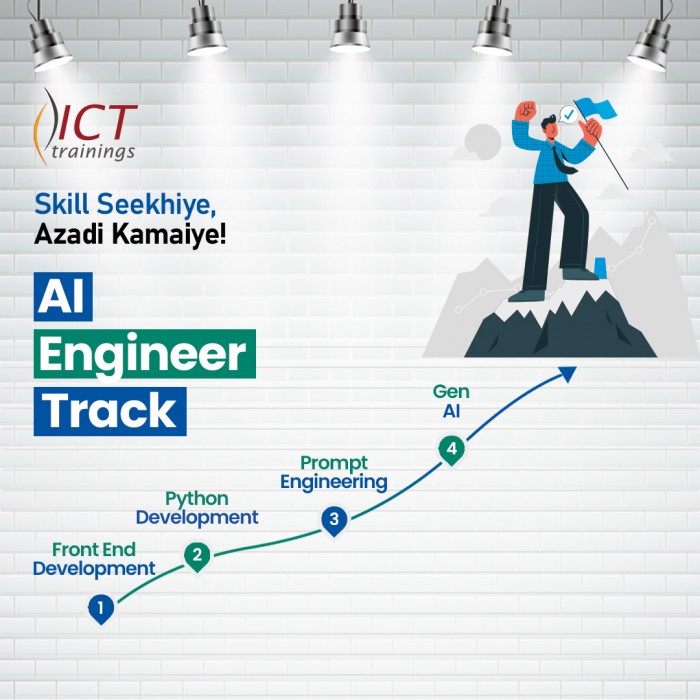
Generative AIs
Generative AI This is career-oriented training for you, after completion ...
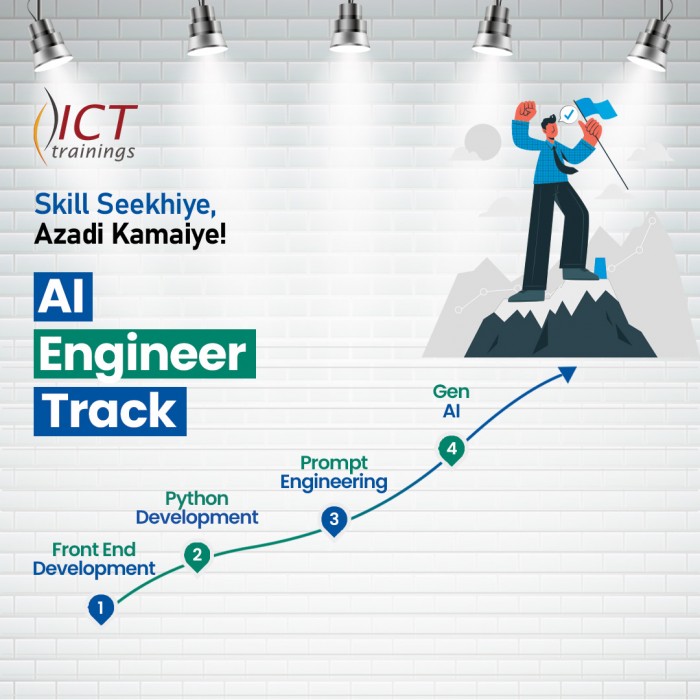
Prompt Engineering
Prompt Engineering Duration: 4 Weeks Level: Beginner → Intermediate Fo...
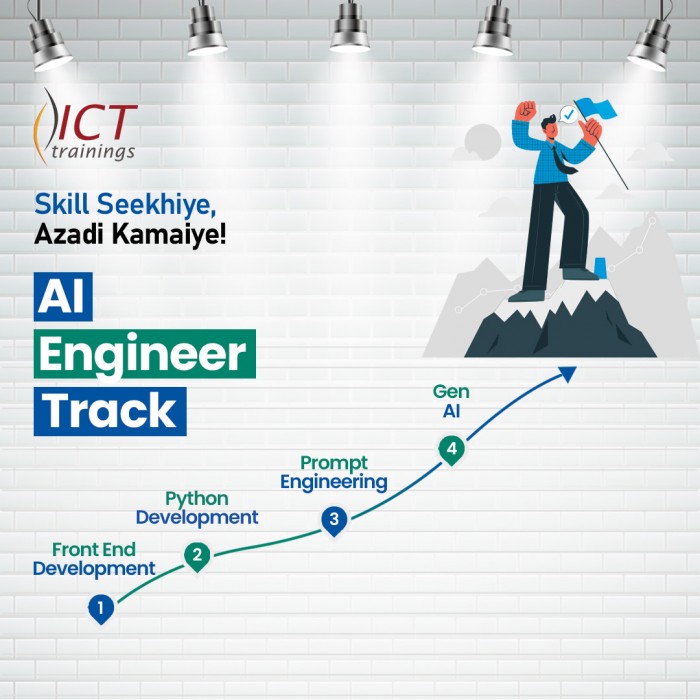
AI Engineer track
AI Engineer Track It's a complete roadmap for anyone who want to start earning...
Build Android Apps with AI
Getting Started with Android App Development Introduction to Android apps and Androi...
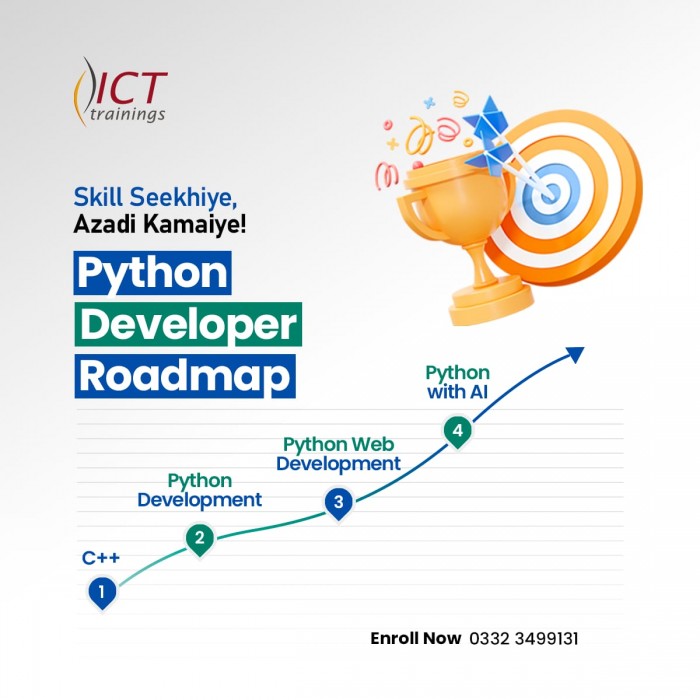
Python Developer Track
Python Developer Track It's a complete roadmap for anyone who want to sta...

Digital Marketer Track
Digital Marketer Track It's a complete roadmap for anyone who want to start ea...